01
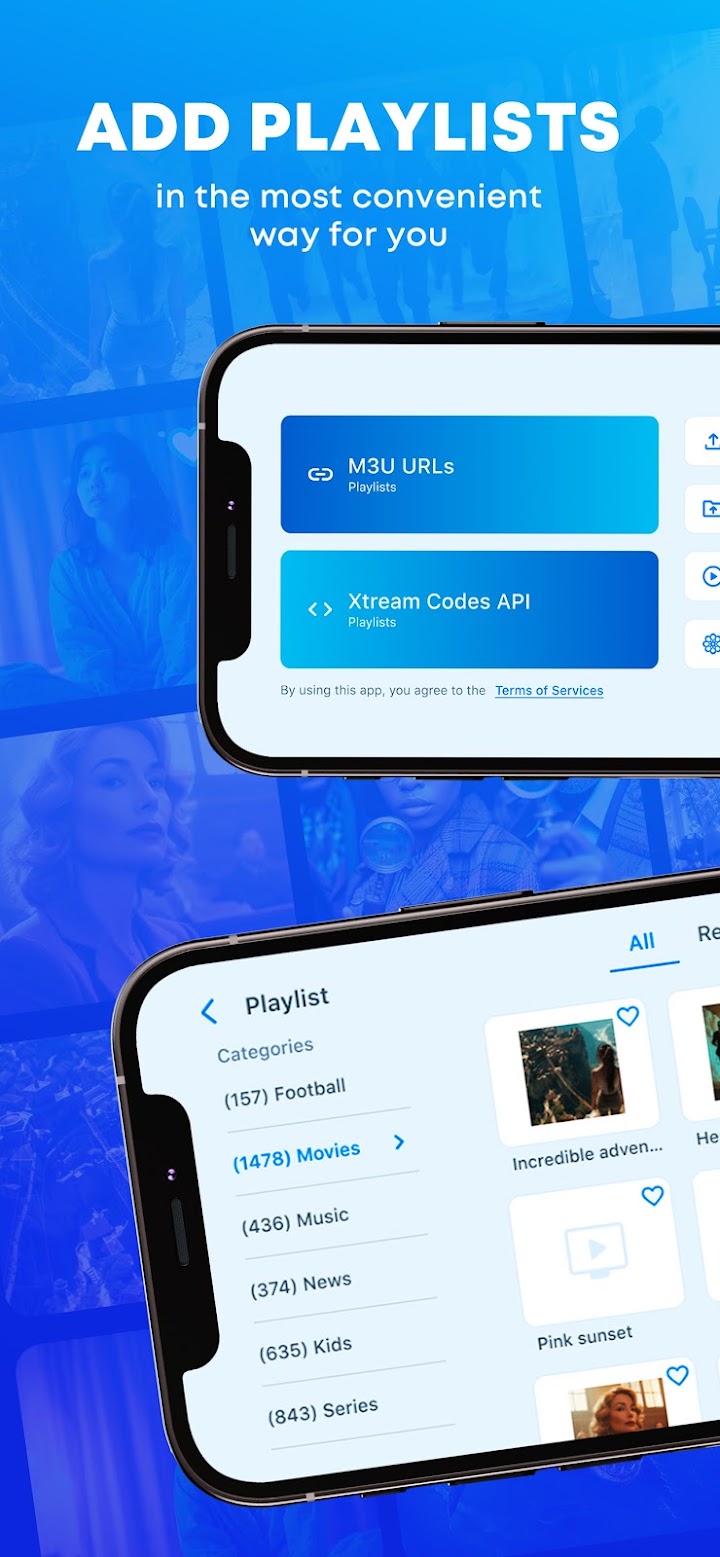
Add M3U playlists
Import M3U playlists from a URL or directly from your device.
Play your M3U playlists with APTV. Watch on your favorite devices and cast to your TV.
APTV does not include TV channels. Add your own playlists.

Features
APTV is a powerful IPTV player for M3U playlists, smooth streaming, casting, and playback across your favorite devices.
Import M3U playlists from a URL or directly from your device.
Enjoy fast, reliable streaming for your channels and video content.
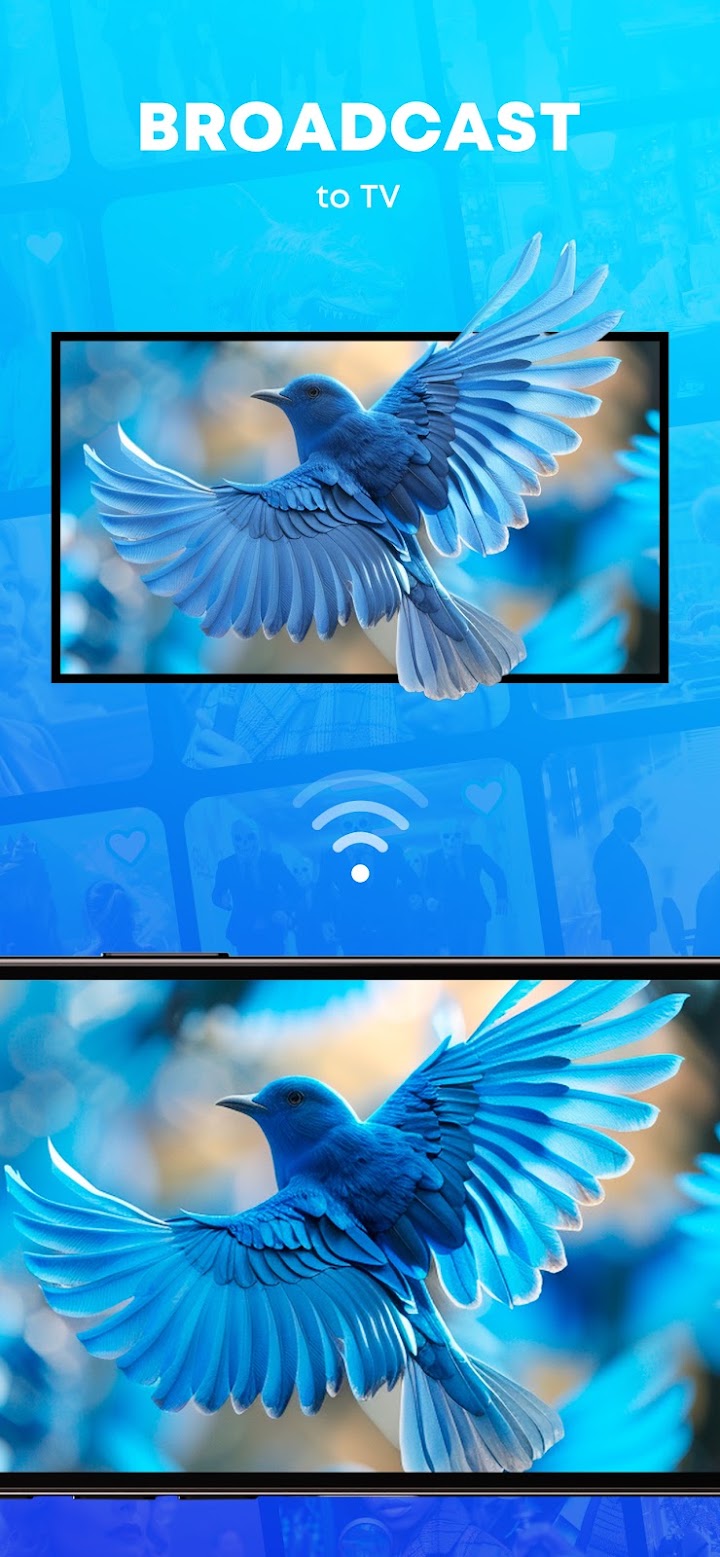
Stream IPTV content to your TV in just a few taps.
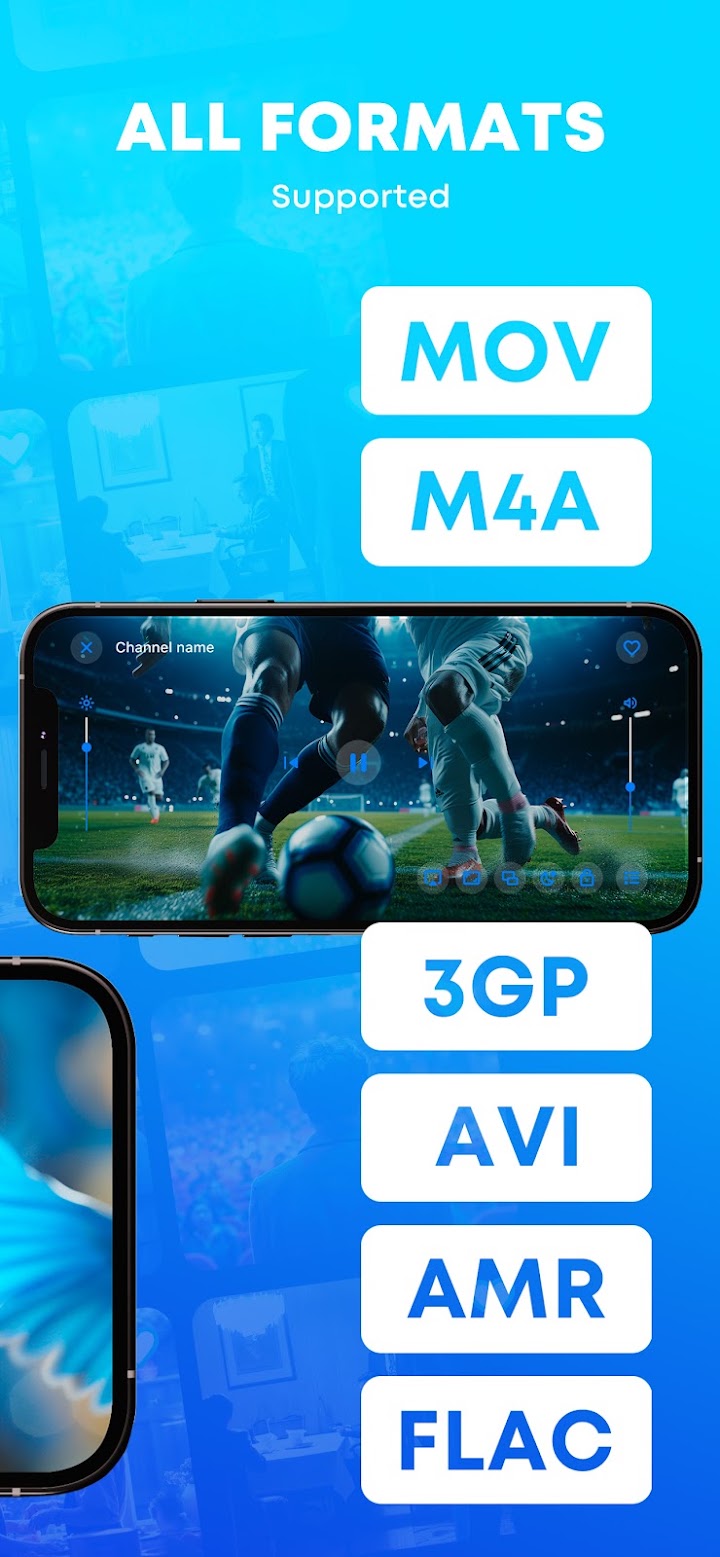
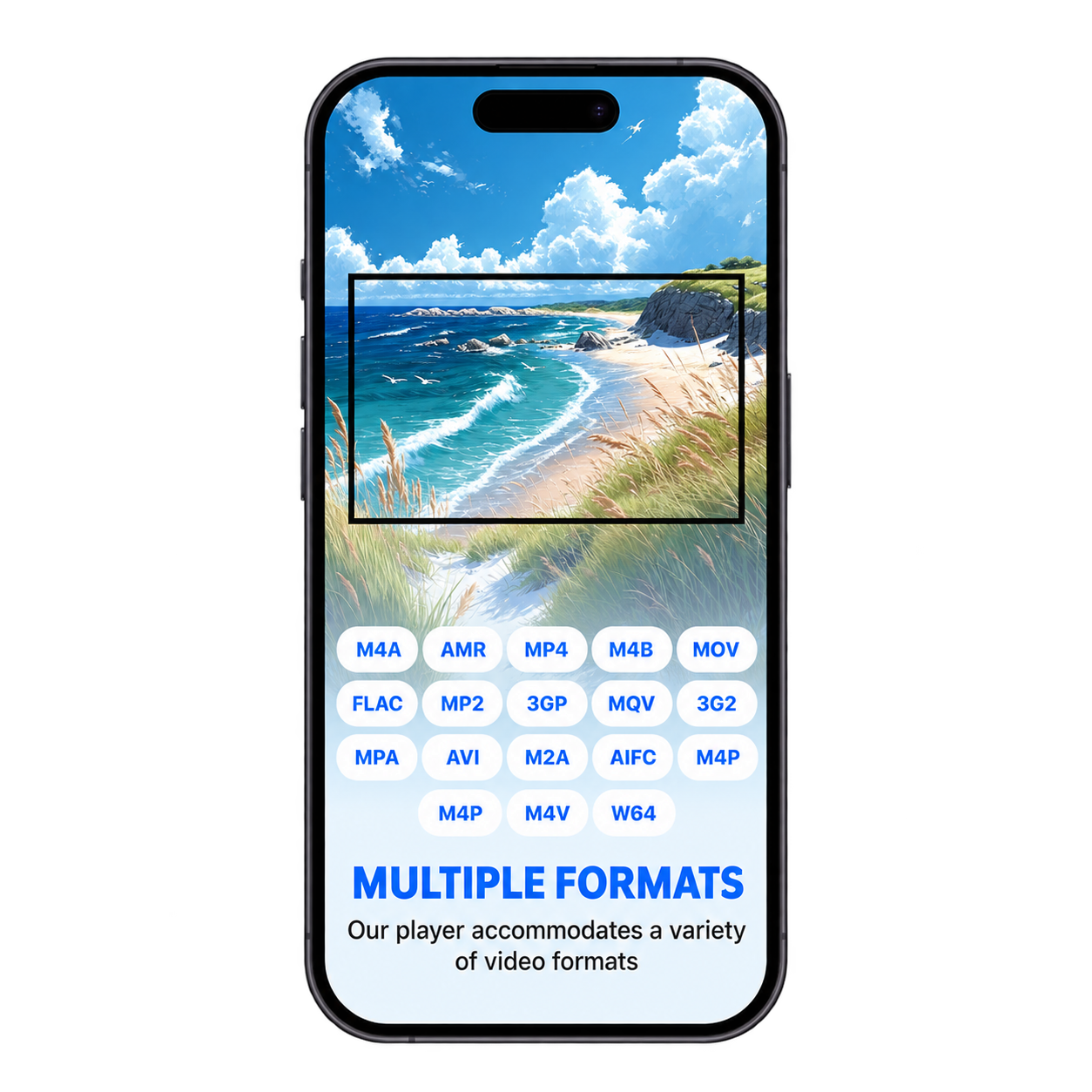
MOV, M4A, 3GP, AVI, AMR, FLAC and many more.
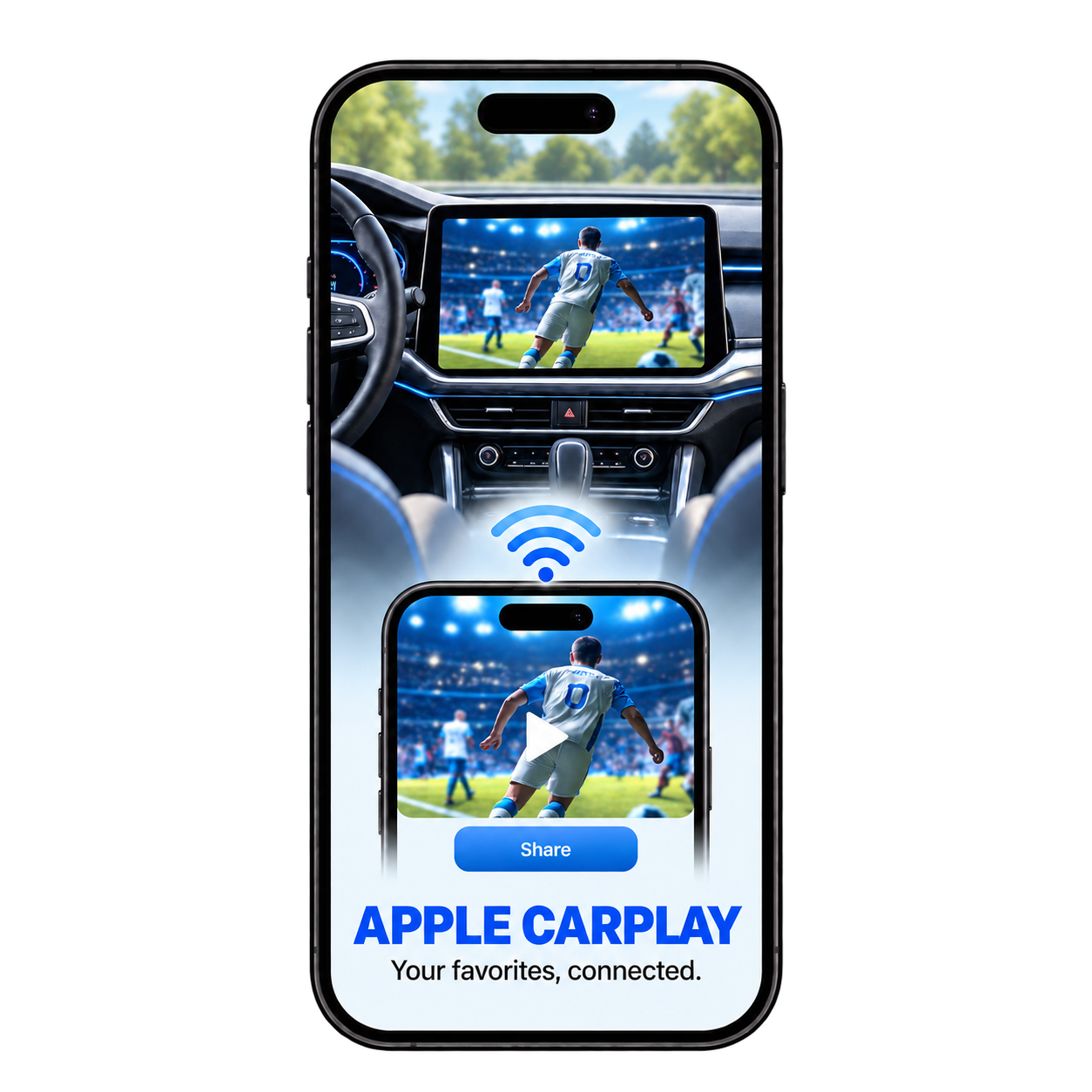
Use APTV on iPhone, iPad, Mac, Apple TV, Apple Vision and Android, with CarPlay support for your car.
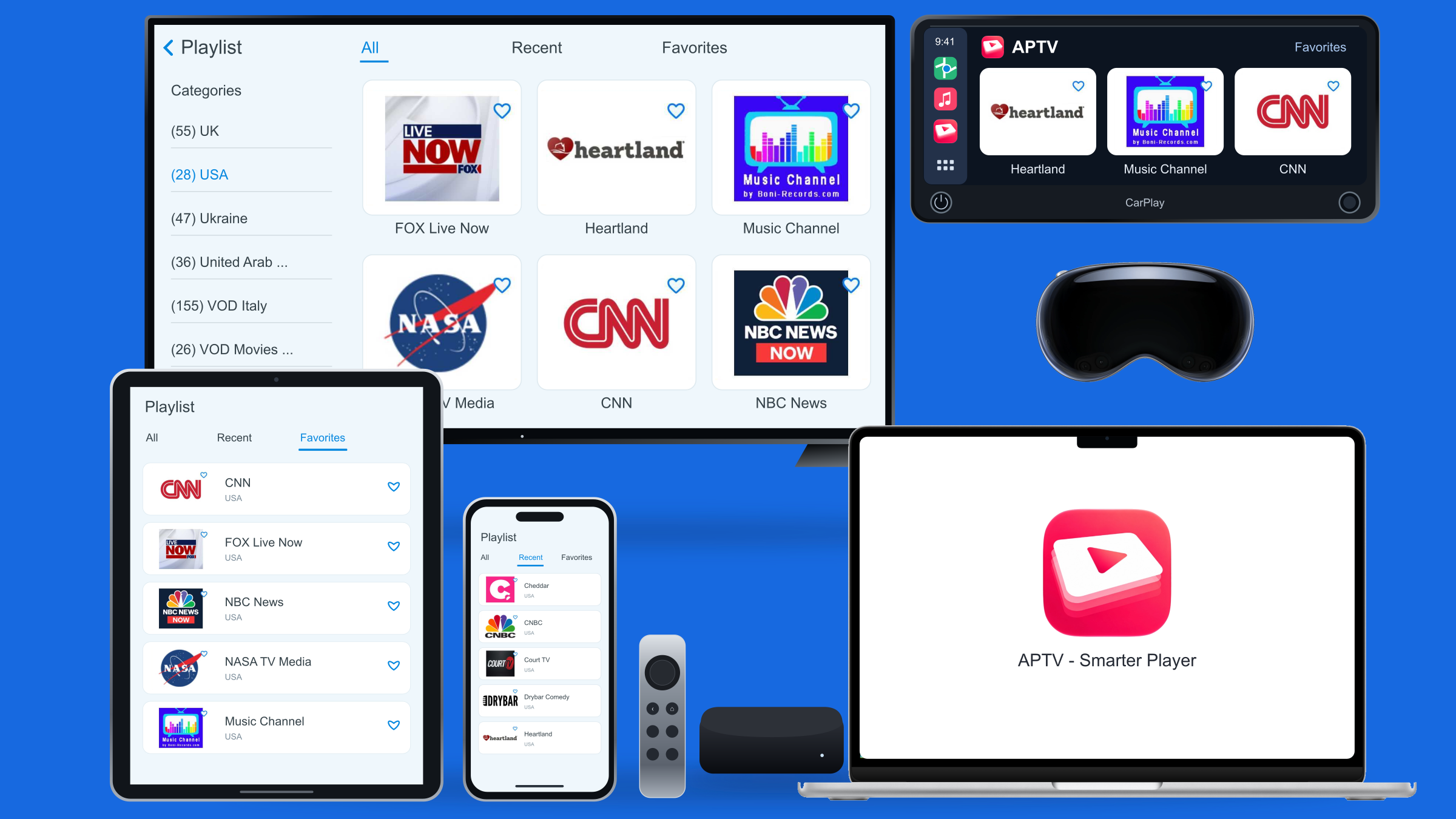
Phone, tablet, CarPlay, TV, desktop and Apple Vision.
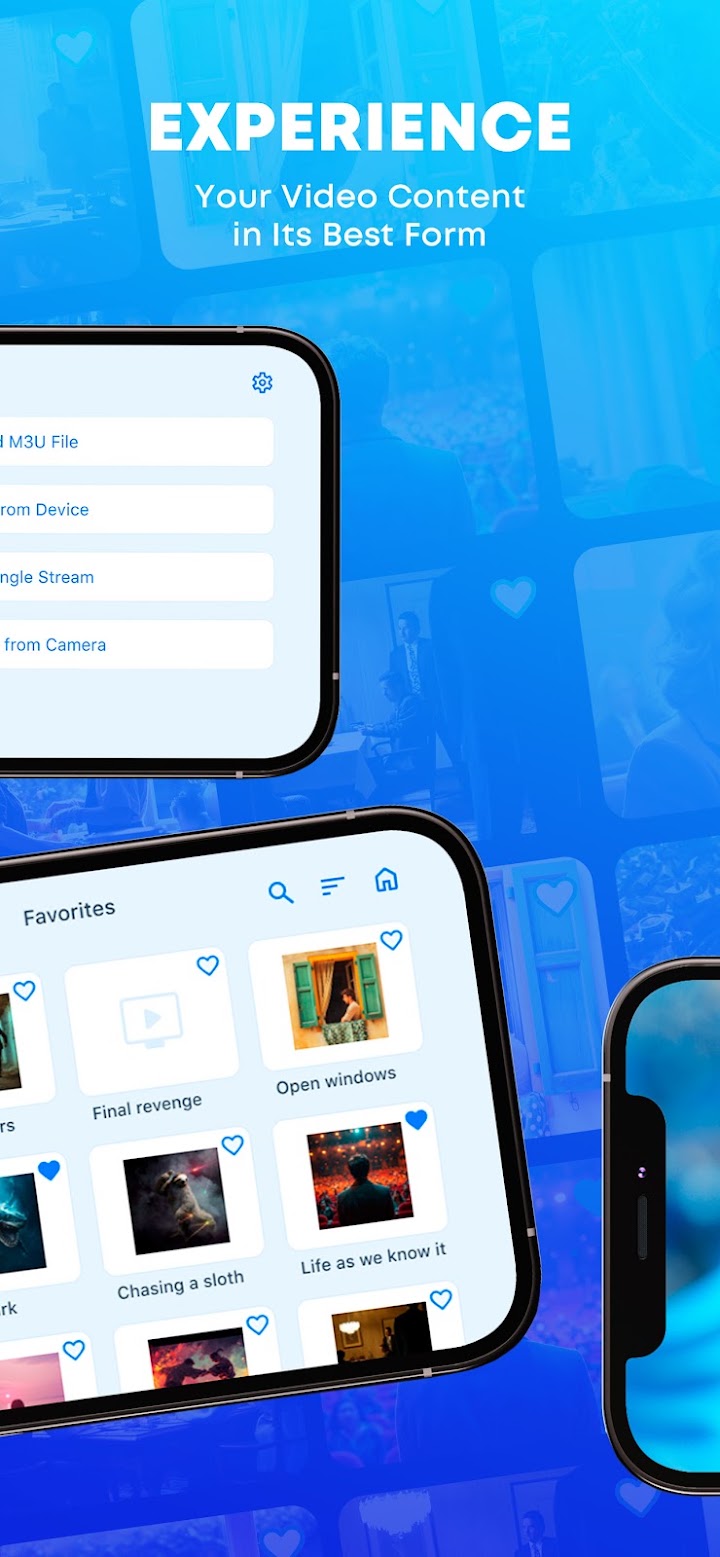
Save the channels you love and jump back in fast.
Browse by category and country in a clean layout.
MOV, AVI, MKV, FLAC and more, no converting needed.
Bring your M3U playlists to your car with APTV - Smarter Player. With Apple CarPlay support, your IPTV player has a place on the dashboard, too. Enjoy your own content on your car’s display while parked.
Explore CarPlay →Your playlists, your content. APTV does not include TV channels or playlists.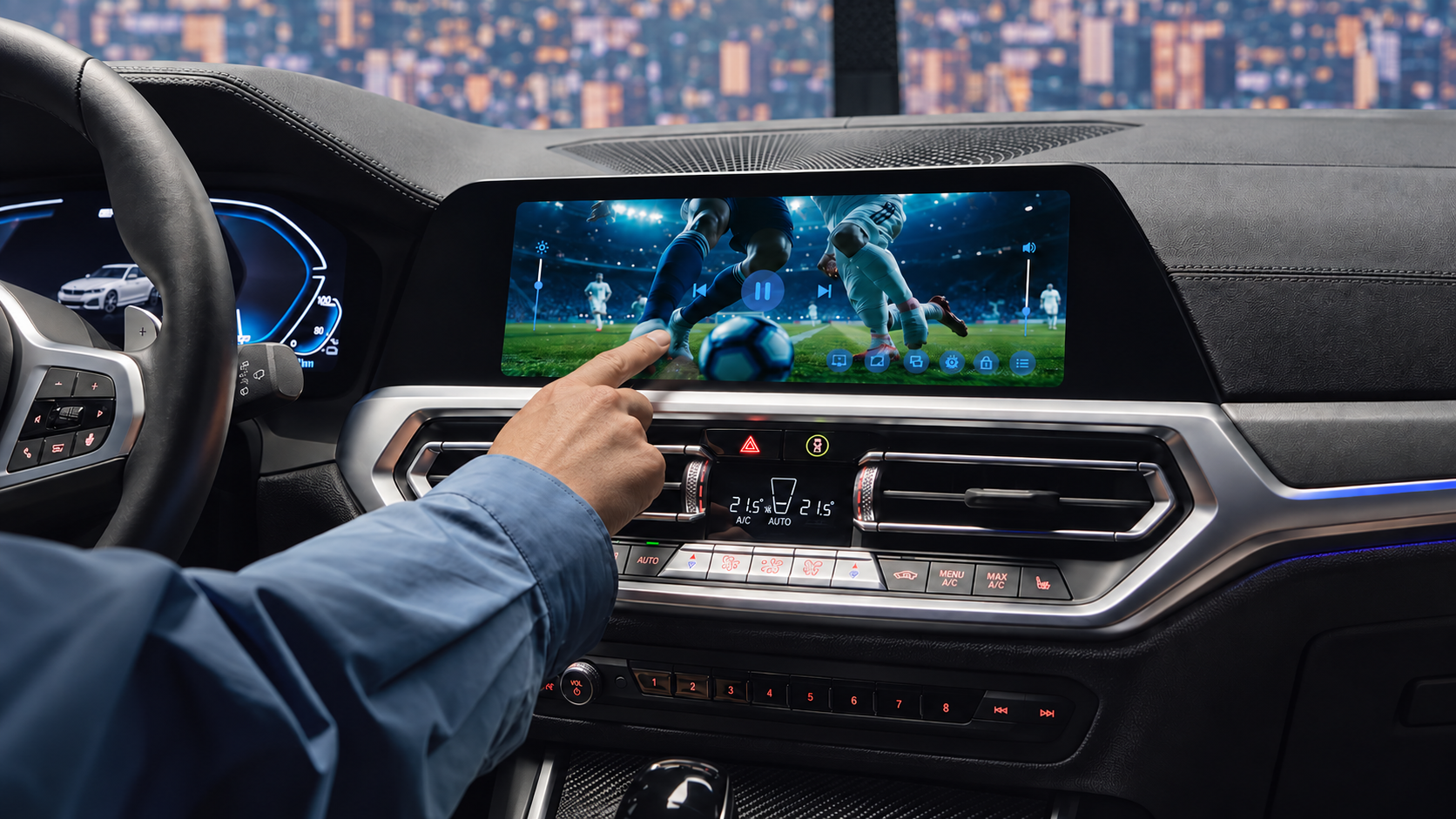
“I have it on my iPhone since more than 2 years. It is easy & nice.”
 Abdulaziz Qashta
“Best for everything, can't believe how many things can be done within this app.”
 Ivan Romanov
“Clean, fast and really easy to use. My playlists load in seconds and casting to the TV works every time.”
 Daniel Brooks
Support
Questions, feedback or a bug to report? We'll get back to you.
Quick answers about setup, formats and inclusions.
No. APTV is just a player. It doesn't have its own videos or playlists. You need to use your own.
Get the app free from the App Store or Google Play.
Paste your M3U link or pick a file from your device.
Browse your channels and press play. That’s it.
 Your videos. Your screen.
Smooth, simple playback on all your devices.