IPTV Player vs Subscription: What APTV Includes
An IPTV player and an IPTV subscription are different products. A player opens supported media references and provides playback controls. Content access comes from the source that supplies your streams or playlist. Installing APTV, or paying for an app feature, does not supply TV channels or a content subscription.
The useful question is not simply “Is IPTV free?” Ask what a particular payment buys, who supplies the media, and which device or account receives the entitlement. Those questions help you avoid buying the right software for a source you do not actually have.
Player versus content access
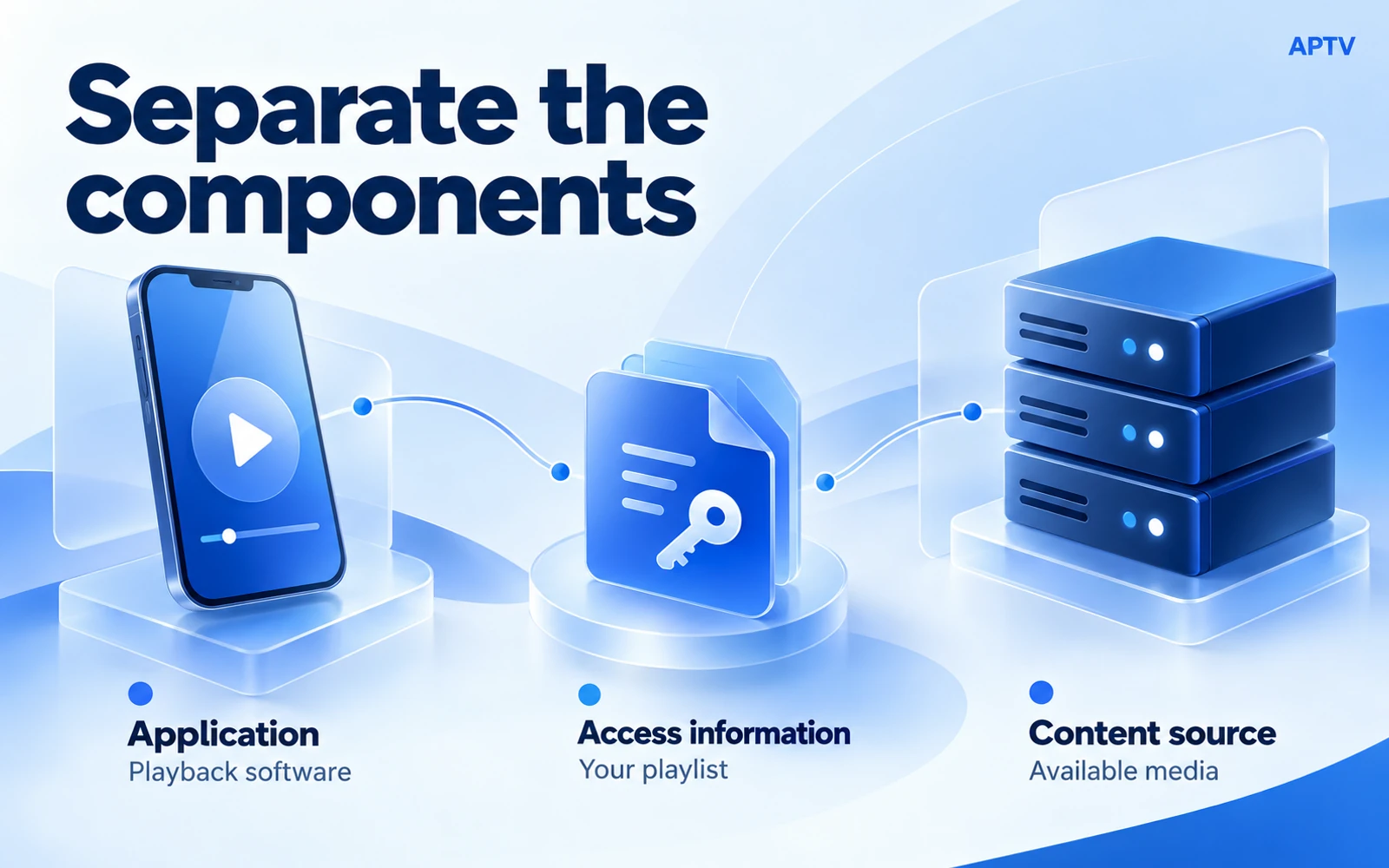
Separate the application, the access information, and the underlying media. The application runs on your device. A playlist or set of credentials tells a compatible application where and how to request media. The source decides whether that request can receive the content.
For example, a company might provide authorized training-video URLs that employees open in a player. The player did not create the training library. Equally, a person can use a player for streams they operate themselves without purchasing a separate commercial channel package.
| Component | What it provides | What it does not establish |
|---|---|---|
| Player application | Software for supported playback | Access to every channel |
| Playlist or credentials | References or access information | Ownership of the media |
| Content source | The actual available media | Compatibility with every application |
Treat those components as separate checks when choosing a setup. A working app installation is useful, but it is only one of the things needed for successful viewing.
What installation provides
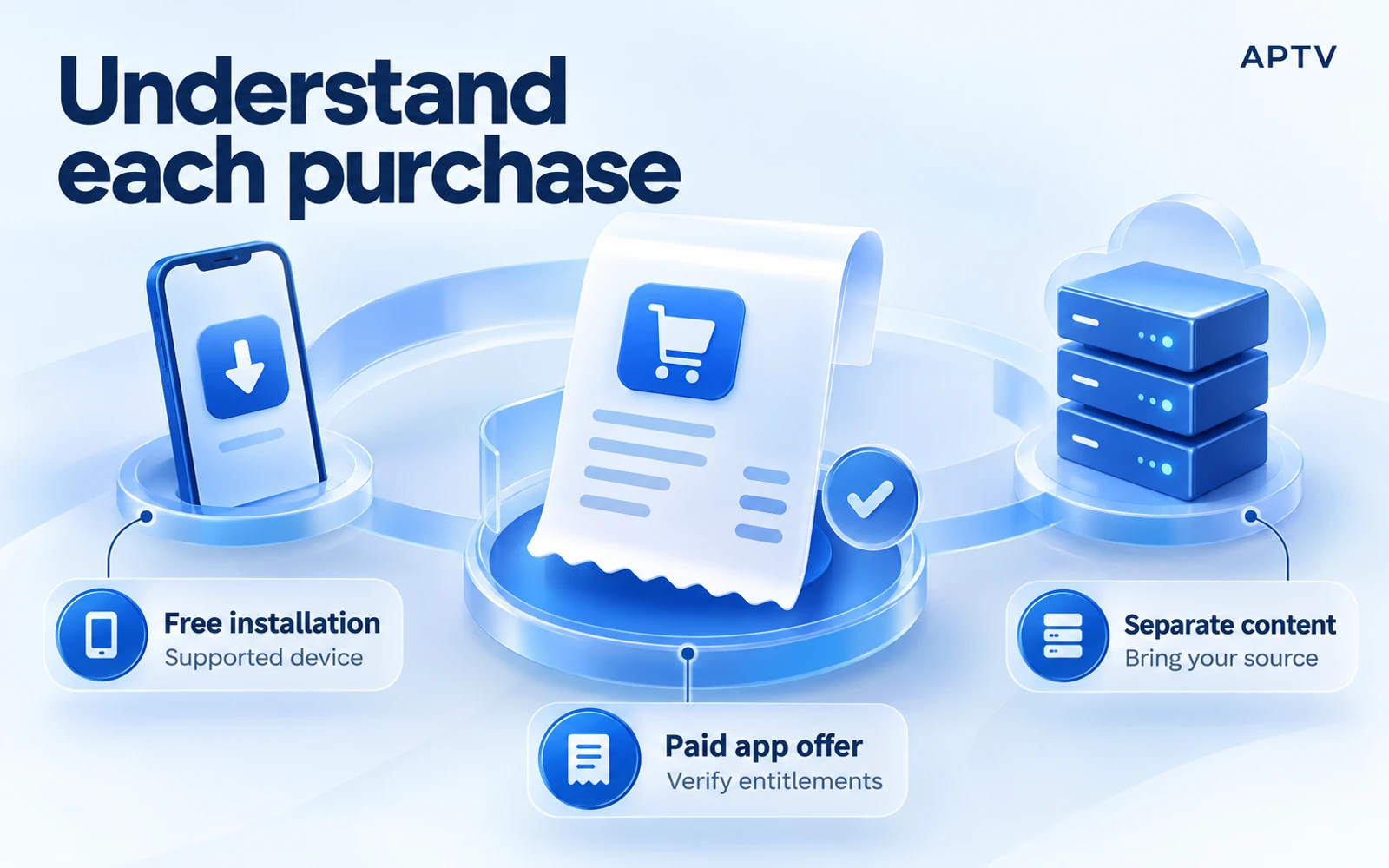
The correct APTV apps use your own playlists and content. The iPhone publisher is Ion Danilov, and the Android publisher is BRILIC MEDIA. The shared APTV name does not mean that another similarly named app has the same developer, purchase system, or capabilities.
Start with the correct listing and check whether your particular device can install the current release. Broad descriptions such as “phone,” “TV,” or “casting” should not substitute for a model-specific compatibility check when a feature matters to your decision.
Installation makes the player available on a supported device. It does not establish that your playlist is valid, that a source is currently online, or that every media format will work. Those are practical checks to make with the source you intend to use.
An empty first launch is not missing channels
If you have not added any source, an empty library is consistent with the own-playlist model. There is no included channel package waiting to be activated by guessing credentials, changing countries, or searching the interface for a hidden collection.
When a friend says an app “has hundreds of channels,” ask whether they imported a separate playlist. The visible collection may belong to their source rather than the application. Copying the app alone will not reproduce that access, and copying private credentials may violate the source's conditions.
If you already have authorized access, confirm the input format before downloading. A URL, a file, and a server-plus-credentials login are not interchangeable in every player. The source owner should be able to explain which supported export is intended for third-party use.
Write down the one feature that would justify a purchase for you. If that feature is already available in your current setup, another offer may be unnecessary. If the feature is missing, obtain a clear entitlement description rather than assuming that every limitation disappears after payment. This makes the purchase decision specific and easy to verify afterward.
What paid features include—and what is not yet documented
Public purchase labels establish that app purchases exist. They do not, by themselves, explain which features are included in each offer. Check the current in-app purchase screen for the exact entitlement you need before paying.
The public listings were reviewed on October 21, 2026. On the US storefront, the iPhone listing and purchases named “SPL - Weekly Premium” at $9.99 and “SPL - Premium lifetime” at $49.99. Those are listed product names and prices, not a verified feature-by-feature entitlement description.
The Android listing and purchases indicated in-app purchases, but the reviewed public page did not establish the current plan prices, billing periods, or exact unlocked features. Do not transfer the iPhone offer to Android or infer a subscription term from a price range shown elsewhere.
Read the actual offer you are considering
Before confirming a purchase, identify the feature being unlocked, the displayed amount and currency, and whether the offer recurs. Read the conditions attached to that offer rather than treating the word “Premium” as a complete description.
If the offer mentions a trial, verify your eligibility, its duration, the subsequent charge, and the renewal conditions on the purchase screen. The existence of general trial language in a listing does not guarantee that your account will receive a trial today.
For a UK account, use the UK storefront and its local offer. A US dollar price is not a promise about sterling pricing, taxes, or availability. Likewise, a purchase made through one platform should not be assumed to transfer automatically to another.
| Before paying, confirm | Why the answer matters |
|---|---|
| Exact unlocked feature | A purchase label may not explain functionality |
| Billing period and renewal | Installation cost and recurring cost differ |
| Device or account scope | One purchase may not cover every platform |
| Restoration method | You need a documented route after changing devices |
| Source availability | App access does not renew a separate stream |
Keep a copy of the offer details and your store receipt in your private records. They help distinguish a purchase-recognition problem from a stream problem later. Do not send full financial information or unrelated account details in an initial support report.
Compare purchase models without assuming equivalence
For context, another player's own-content model also separates the software from the playlist. That shared distinction does not make its paid features, account system, or device limits the same as APTV's. Compare each product's documented offer on its own terms.
A player can charge for convenience features while another offers a different collection of functions without payment. Neither arrangement tells you whether the media source is legitimate, available, or suitable for your device. Price is one decision input, not a compatibility test.
What a purchase does not include
An APTV app purchase does not provide a television subscription or guarantee access to a particular program. You still need your own authorized source. There is no basis to promise access to Netflix, YouTube subscriptions, or premium television channels through an ordinary playlist purchase.
Paying for a player also does not repair an expired token, restore a removed stream, or solve every network interruption. If the source is unavailable before a purchase, treat that as a source problem unless a documented app limitation specifically explains the observed failure.
The same separation applies when a playlist imports but one entry fails. The successful import shows that the app obtained a collection; it does not prove that every media address remains active. Check the affected source before making an unrelated purchase.
Match the problem to the right support channel
For a charge, renewal question, or purchase that is not recognized, use the relevant store's purchase-management tools and the app's official support. Describe the platform and offer involved. The content source may have no access to that transaction.
For missing content, expired access, or an unavailable stream, contact the source owner. The player developer cannot necessarily change the source's account rules or restore its server. If the problem concerns a valid supported input failing only in one player, provide a reproducible technical report.
When you have both an app purchase and a content purchase, keep the receipts and account names separate. That simple organization reduces confusion when a renewal notice arrives or a stream stops. Similar words such as “premium” and “subscription” may refer to different sellers.
If a purchase succeeds but a feature remains unavailable, keep the receipt and note the account used by the store. Describe which feature you expected and what the app actually shows. Avoid buying the same offer again as a troubleshooting step before checking the documented restoration or support route.
Before downloading: a readiness check
Confirm the intended device, the source you will bring, and the app's documented input method. If a paid feature is essential, identify its current terms before building your setup around it. These checks can be completed without buying access you do not need.
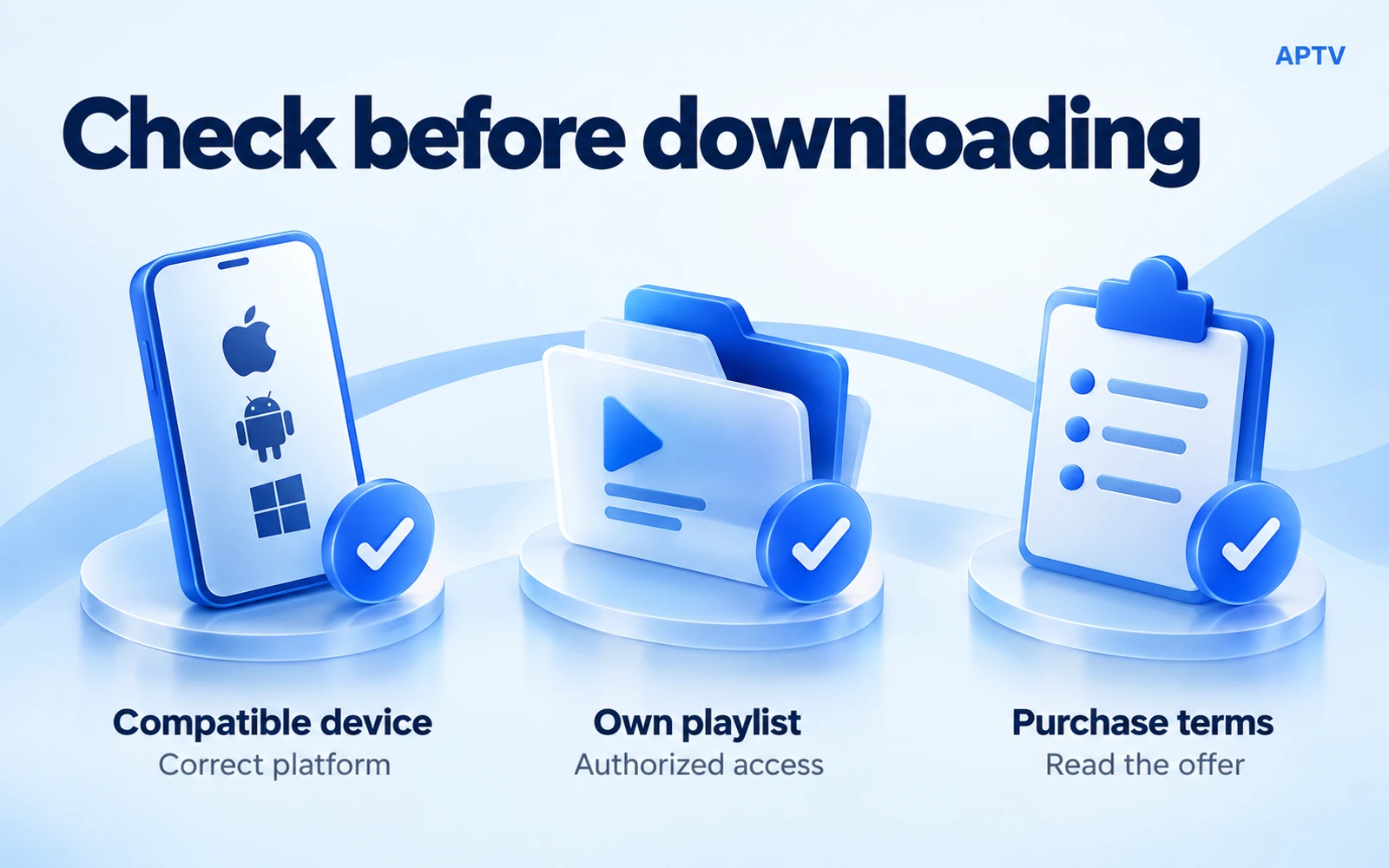
If you already have a supported source, import a playlist you already have and verify a familiar entry. Test the task you actually plan to perform: local phone playback, for example, is a separate check from sending the same stream to a receiver.
The owner has confirmed CarPlay, Android Auto, iPad, Android TV, and casting functionality. That confirmation should be preserved, but it is not a device matrix or a statement that every feature is included in every paid offer. Ask for the exact platform, version, receiver, and entitlement when one of those capabilities determines your purchase.
Choose APTV when its documented playback features fit your device and your own authorized playlist. Confirm any paid entitlement before purchase, and investigate unavailable streams independently of the app's billing options.
Frequently asked questions
Does downloading APTV include TV channels or an IPTV subscription?
No. APTV is a player for a supported playlist you supply. An app download or software purchase is separate from access to the media referenced by that playlist. Confirm both the player's features and your source access before expecting a particular channel to work.
What if I have no playlist yet?
Do not buy the player expecting it to generate a channel collection. First obtain a supported source you are entitled to use, such as your own streams or an authorized service's export. This guide does not recommend content suppliers or substitute for their access terms.
Does a lifetime app offer mean lifetime content?
No. A lifetime-labeled application product concerns the offer described by that seller. It does not establish perpetual access to unrelated media, future source availability, or a cross-platform entitlement. Read the current offer and keep the content relationship separate.
Does an app purchase automatically carry over between iPhone and Android?
Do not assume it does. Check the current offer and the developer's stated entitlement and restoration rules for each platform. A purchase on one store is not, by itself, evidence of access on another. Keep the receipt and use the official support route if the entitlement is unclear.
Will paying for an app feature fix an expired stream?
An app entitlement does not renew access at an unrelated content source. First identify whether the problem is a locked software feature or a source that no longer accepts the stream request. Address billing with the appropriate seller and source access with the source owner.