
Your playlists.
Your CarPlay.
Your M3U playlists on CarPlay.
Enjoy APTV while you’re parked.
APTV does not include TV channels. Add your own playlists.
A few things.
Then you’re ready.
Start with APTV on your iPhone and a playlist you already use.
CarPlay brings that experience to a compatible car display.
- Your iPhone, with APTVInstall APTV - Smarter Player and keep the app up to date.
- A car that supports Apple CarPlayUse your vehicle’s CarPlay connection instructions to pair your iPhone.
- Your own M3U playlistHave your playlist link or file ready. Online streams also need an internet connection.
From your iPhone
to your dashboard.
Add your playlist, then connect.
Enjoy CarPlay while parked.
Add your playlist in APTV
Paste an M3U link or choose a playlist file on your iPhone. Check that your content plays on your phone before connecting to your car.
Connect your iPhone
Follow your car’s instructions to connect to Apple CarPlay. The connection method depends on your vehicle.
Enjoy APTV while parked
Open APTV on CarPlay and choose your content.
Can’t see the app? Contact support.
Your playlists.
A new screen.
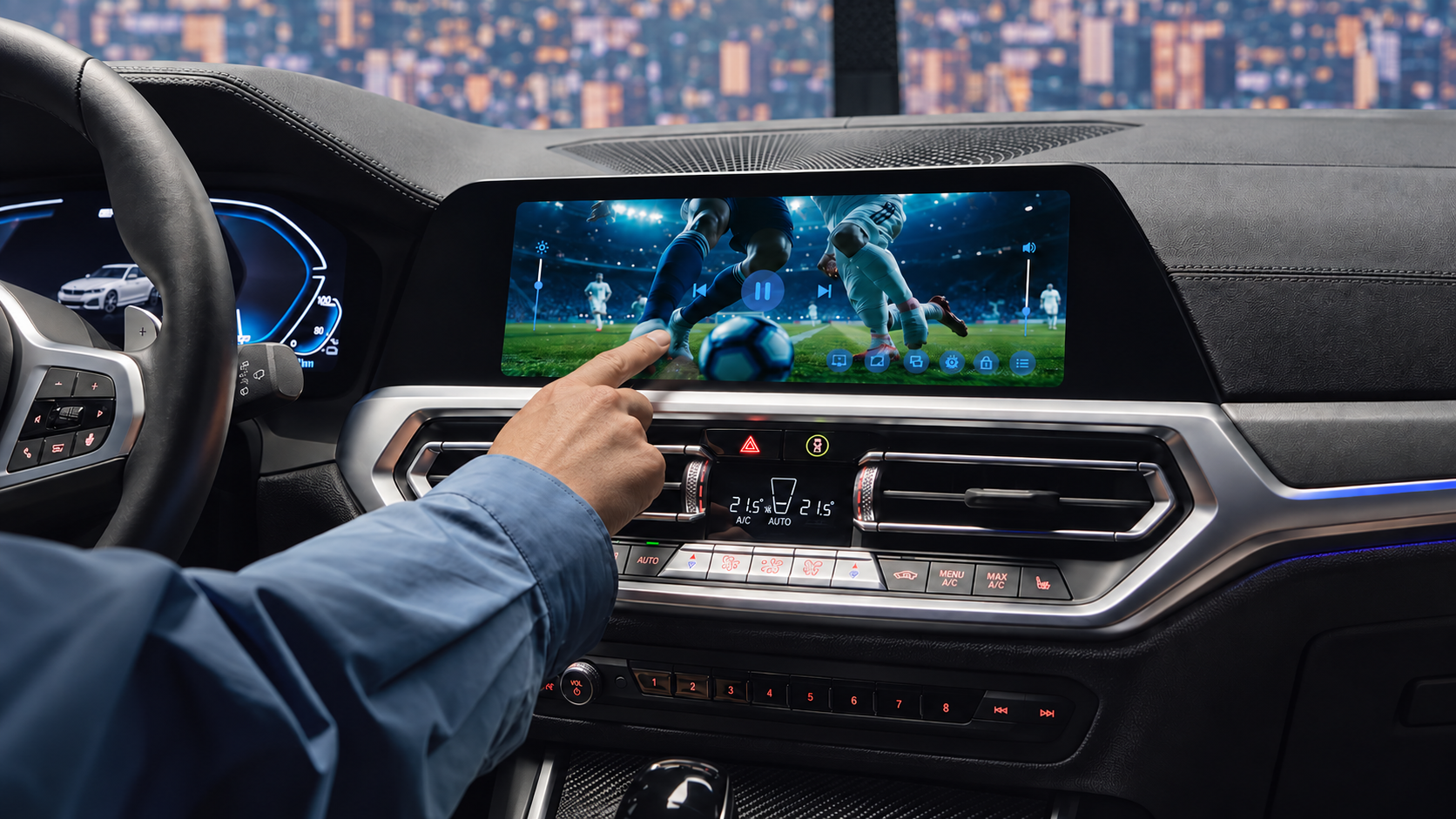
A break between stops. A few quiet minutes before you head home. APTV brings your own playlists to your CarPlay display, so you can enjoy your content while parked.
APTV does not sell channel packages or provide a TV subscription. Content availability and stream quality depend on your playlist source and connection.
What is APTV for CarPlay?
It’s Apple CarPlay support in APTV - Smarter Player, so you can use your IPTV player on a compatible car display. APTV plays content from your own playlists; it does not supply TV channels.
How do I add my M3U playlist?
Open APTV on your iPhone and import your M3U playlist using its link or a file on your device. Test playback on your phone first, then connect to CarPlay.
Does APTV include live TV channels?
No. You provide your own playlist and content. APTV is an IPTV player, not a TV subscription or channel provider.
Why isn’t APTV showing on my car’s display?
First check that your iPhone is connected to CarPlay and that APTV is installed and up to date. If it still doesn’t appear, email support with your iPhone model, iOS version, APTV version and car model so we can help with your specific setup.
What if my playlist won’t play?
Try the same playlist in APTV on your iPhone. Check your internet connection and whether the playlist link is still active. If the stream has expired or is unavailable, check with your playlist provider. For an app issue, contact APTV support.
Can I watch video while driving?
Keep video viewing for when the vehicle is parked. Set up your playlist before you start your journey.
Give your playlists
another place to play.
Get APTV - Smarter Player for iPhone and enjoy Apple CarPlay.
Download