
M3U vs Xtream Codes: Which Login Do You Have?
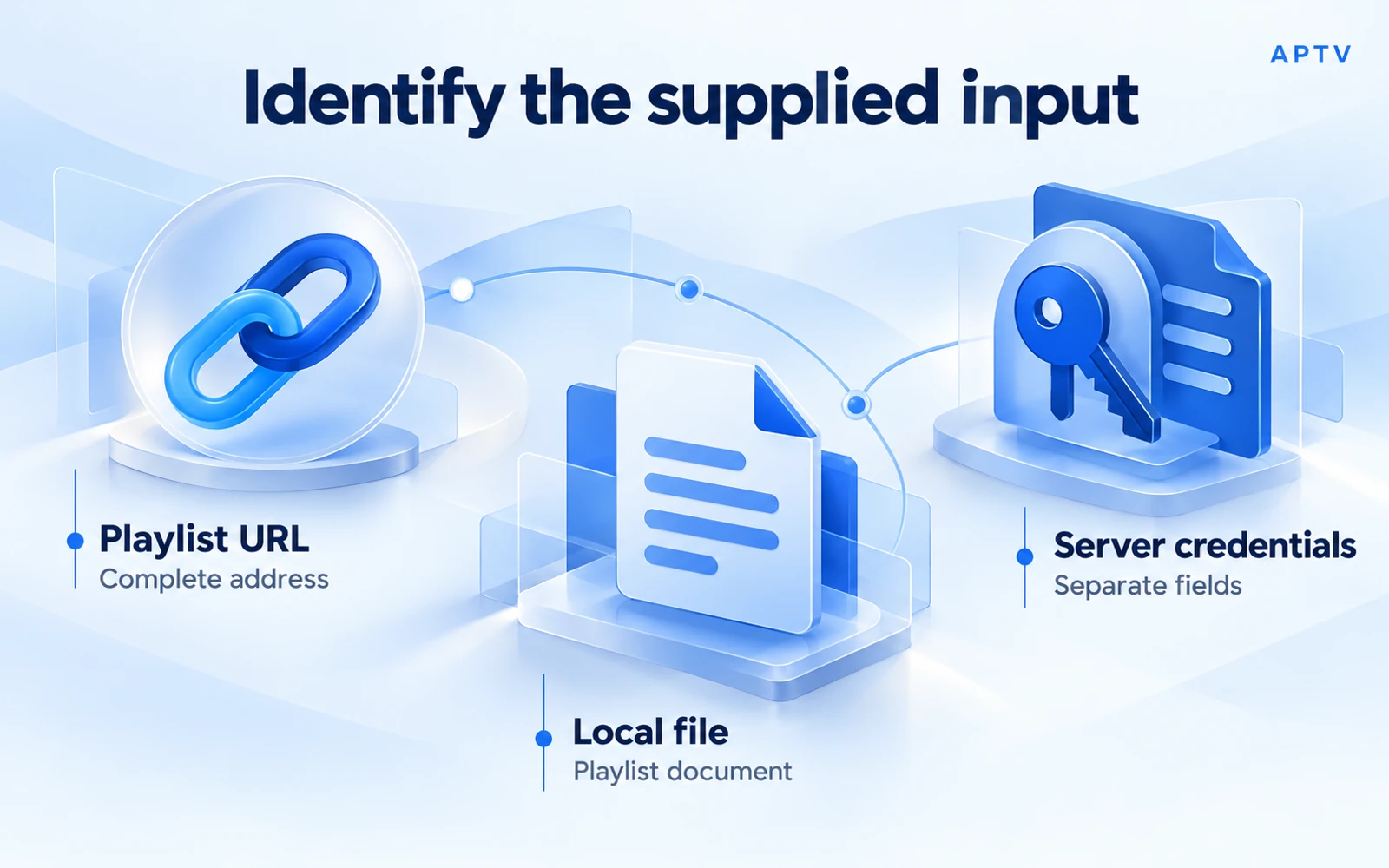
M3U vs Xtream Codes is primarily a question about the access information you received and the input methods your player supports. An M3U input is usually a playlist URL or file. A login described as Xtream Codes commonly supplies a server address, username, and password for a compatible application's dedicated input flow.
Do not assume that a player accepting M3U also accepts structured server credentials, or that both routes expose identical features. For the correct APTV apps, native Xtream input was not confirmed in the public evidence reviewed for this guide. The documented M3U route is the appropriate starting point when your source supplies it.
Identify what you received
Read the source owner's setup information before entering anything. A complete playlist link may be very long because it contains access fields. A file may contain many media addresses. Three separately labeled values usually require a login workflow that understands those fields rather than a single generic URL box.
| What you have | What it may represent | First question |
|---|---|---|
| One complete playlist URL | A retrievable directory | Does the player support URL import? |
| An M3U or M3U8 file | A local playlist document | Does the player accept this file structure? |
| Server, username, password | Structured access credentials | Is that login method explicitly supported? |
The labels in an email are clues, not proof of compatibility. If the source calls everything a “link,” ask which item belongs in which supported input. It is better to clarify the intended format than repeatedly submit unrelated account information.
Recognize things that are not a playlist
A customer-portal address may open billing or account management rather than return media references. A webpage with an embedded player may require a browser session. A screenshot showing channel names is only an image. None becomes an M3U directory merely because it came from the same service.
Likewise, a username and password for the source's website may differ from access information intended for media players. Do not assume the same credentials are interchangeable. Ask the source owner for its documented third-party-player setup and the terms attached to it.
If you have a QR code, inspect the destination privately using a trusted device tool before sharing it. It may encode the same sensitive playlist address you would otherwise type. Treat the code as access information when it contains a token or credentials.
Playlist URL versus structured credentials
A playlist URL asks a server for a document. That document can contain names and stream addresses that a player interprets. A local file provides the document directly, although its media addresses may still point to online resources that require access.
With a structured login, a compatible application uses the supplied fields according to the source's implementation. The mere presence of a server address and password does not specify every request the app must make. This is why copying those values into an unrelated form may fail.
The term “Xtream Codes” is used in setup instructions for this style of login, but it should not be treated here as a guarantee of a universal implementation. Verify the source and player combination. This guide does not supply endpoint templates or claim that all services using the label behave identically.
A URL can contain credentials too
M3U access is not automatically anonymous. A playlist address can include sensitive values in its path or query. MDN's explanation of how URL query fields work describes the query as data sent with the address; the receiving service defines the meaning of those fields.
For example, a hypothetical URL ending in ?account=EXAMPLE&token=REDACTED visibly contains account-related fields. Other services may use less obvious names or place access information in the path. Do not assume that removing a field called “password” makes an address safe to publish.
Treat a complete private playlist link with the same care you would give a login. Anyone who receives it may receive access information embedded within it. The absence of a separate password prompt is not a security guarantee.
Check the player's supported inputs
Identify the exact application before following a tutorial. For iPhone, use the correct iPhone app, published by Ion Danilov with App Store ID 6476621657. For Android, use the correct Android app, published by BRILIC MEDIA.
The Android package contains words including “xtream,” but a package identifier is not documentation of a supported login screen. The public sources checked on October 21, 2026 did not establish native Xtream input for these APTV products. That is an evidence limit, not a claim that the feature can never exist.
Look for explicit support, not a familiar icon
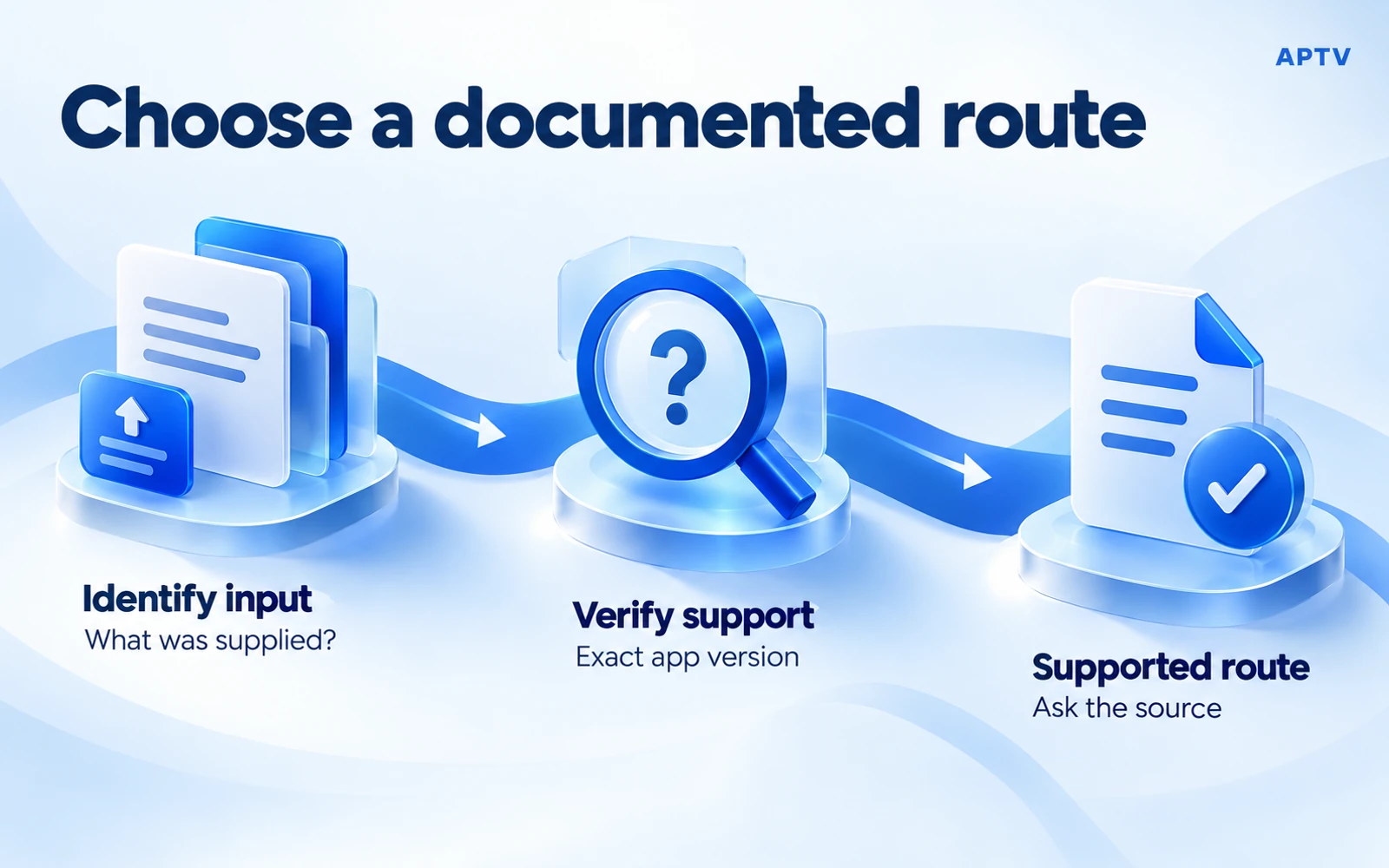
A useful confirmation names the app version, the input fields, and the source method it accepts. A generic statement such as “supports IPTV” does not answer that question. Neither does a tutorial for a different application with a similar name or visual design.
If your installed app offers an unfamiliar login form, consult its own current documentation or official support before entering credentials. Do not assume that a form labeled “account” is for your content source; it might concern the player's own purchases or profile.
When the player documents M3U import and your source provides a compatible playlist, use that route. Do not add an unnecessary conversion step merely because another login method sounds more advanced. A supported path that accomplishes your task is preferable to an unverified one.
Keep feature expectations separate from login type
The input method alone does not guarantee guide data, video on demand, catch-up, recording, grouping, or a particular browsing layout. Those functions depend on what the source supplies and what the player implements. Two input options may produce different results even for the same account.
Ask about a required feature directly. For example, if you need a program guide, request documentation for the specific guide-data workflow. Do not infer it from the word “Xtream,” from a playlist extension, or from another app's behavior.
Similarly, moving to a different input method does not increase the permissions attached to your source account. A player cannot promise access to media the source has not made available to you. Keep access scope, input compatibility, and interface features as separate decisions.
Keep the source message intact while you clarify the setup. Rewriting it into your own shorthand can accidentally drop a port, path, or instruction that distinguishes one access method from another. You can make a sanitized copy for discussion, but retain the original privately so that any corrected format can be checked against the issuer's instructions.
Request a compatible format from the source owner
If you received only server credentials and cannot verify a matching player input, ask whether the source provides a supported M3U URL or export. Describe the player and platform, but keep your password out of the initial message. The source owner can identify the intended route.
You can ask: “I use the current APTV app on an Android phone. Do you provide an authorized M3U playlist URL or file for third-party players? Are there expiry or connection limits I should know about?” This is a suggested question, not a message sent on your behalf.
Do not build a URL by combining credentials with an endpoint pattern copied from an unrelated service. The path, parameters, authentication, and supported output may differ. A guessed conversion can fail silently, reveal credentials to the wrong host, or return an account page instead of a playlist.
Confirm the format before importing
Once the source supplies an appropriate input, preserve its exact spelling and full address. Copy all required fields and avoid removing a query string because it looks complicated. For a file, confirm that it contains text playlist entries rather than a compressed archive or web document.
Then import a supported M3U playlist through the documented route. Check both the collection and one selected stream. A successful import shows that the directory was accepted; playback still depends on the source's availability and the media path.
Protect credentials throughout troubleshooting
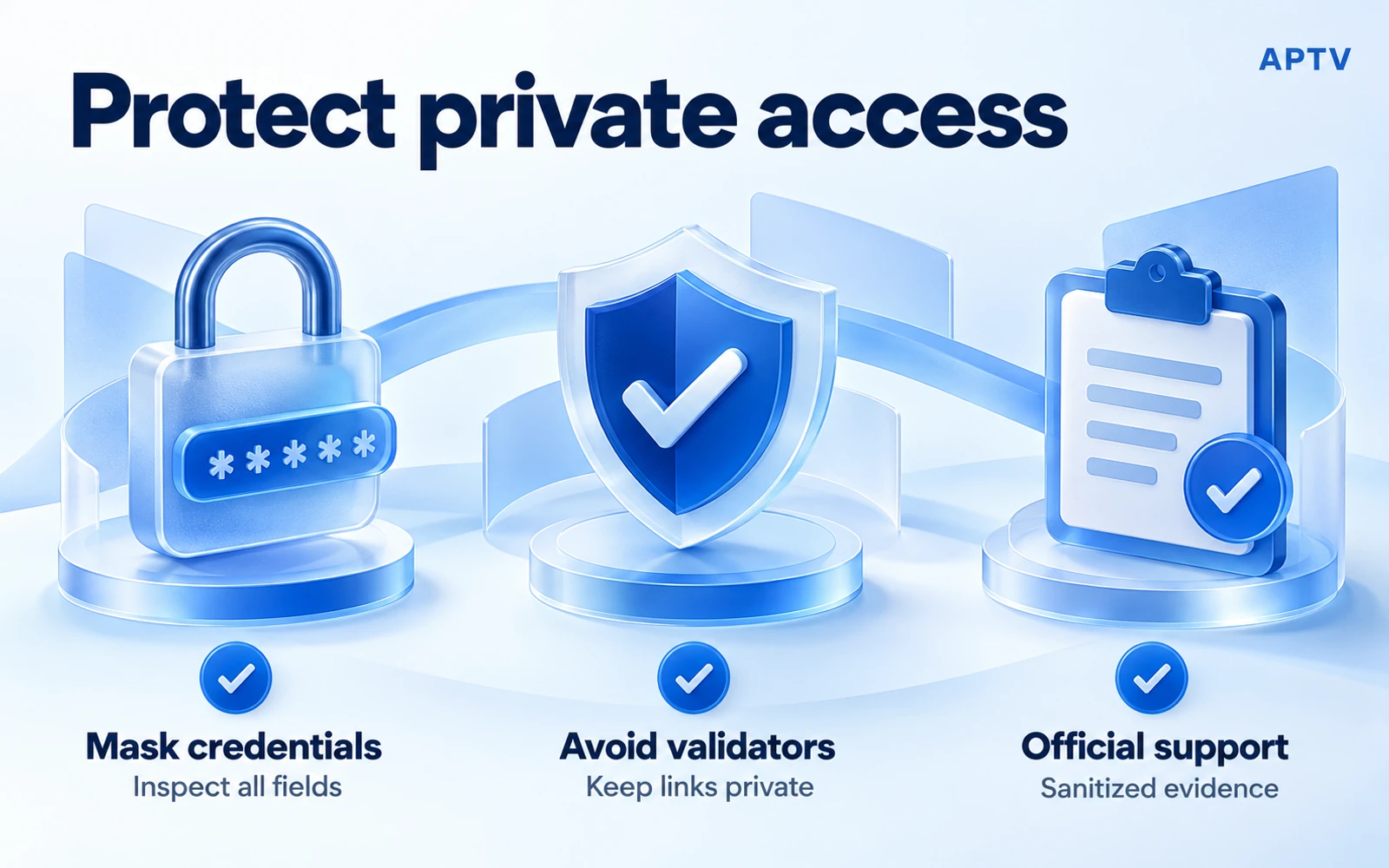
Use trusted local tools to inspect your own file or address. Avoid public playlist validators, public paste sites, and unverified conversion services when a link contains private access information. A convenience tool does not need your entire account merely to explain the difference between input types.
Before sharing a screenshot, inspect the whole image. Credentials can appear in the hostname, path, query, QR code, saved playlist name, or notification preview. Redact enough context to protect access while retaining the exact non-sensitive error and the stage at which it occurred.
If you accidentally disclose access information, contact the issuer about replacement or revocation. Deleting your public post may not remove copies already retrieved. Renaming the playlist or switching players does not invalidate the exposed token.
Do not confuse app purchases with source accounts
A player purchase and a content login concern different relationships. Review what a player purchase includes before paying in the hope that it will create a missing login method or renew an expired source account. Only a documented entitlement can establish what the app purchase changes.
When support is needed, send the player developer a version-specific compatibility question and send the source owner an access-format question. Include sanitized observations rather than full credentials. This directs each question to the party that can actually answer it.
Bring your own authorized playlist to APTV and choose a documented input route. If native Xtream support is essential to your setup, confirm it for the exact platform and version before relying on it; a download or upgrade is not a guarantee.
Frequently asked questions
What is the difference between an M3U playlist and an Xtream Codes login?
An M3U input is a playlist file or a complete address that returns playlist data. An Xtream-style login supplies a server address with separate account credentials to a compatible interface. They describe different input methods, so use the one your source and player explicitly support.
Can an M3U URL contain my username or password?
Yes. A complete playlist or stream URL may contain credentials or access tokens in its path or query parameters. Treat it as private even if there is no separate password box. Remove sensitive values before sharing a screenshot, support example, or public link.
Can I turn a server address and password into an M3U URL myself?
Do not guess the endpoint or paste credentials into a public converter. Ask the source owner for its supported playlist export or login instructions. A service may offer more than one input method, but the correct address and access rules must come from that service.
Does APTV's Android package name prove it supports a native Xtream login?
No. Words in an app's package identifier are not sufficient evidence of a working login screen or supported integration. Verify the current app's documented inputs and available interface. If you have separate credentials but only a playlist import route, request a compatible export from the source.
Will buying the player renew an expired Xtream account or M3U link?
No. Paying for software does not renew a separate source account or replace an expired access token. Confirm the source credentials and entitlement with the source owner. Investigate an app purchase only when the problem actually concerns a software feature or app-store entitlement.