
Create an M3U Playlist for Your Own Streams
To create an M3U playlist for IPTV, put your authorized stream URLs in a plain-text file, add readable entry names, save the file as UTF-8, and test one entry before adding more. You are creating a directory of references, not downloading channels or granting access to content.
This guide uses an external text editor. It does not assume that APTV includes a built-in playlist text editor, supports every optional tag, or can repair a broken source address. Keep the file small until the basic save, import, and playback cycle works.
Gather authorized streams
Start with streams you own, manage, or have permission to use in a third-party player. Ask the source owner for the actual media address and any conditions on its use. A normal webpage containing a video is not necessarily the direct stream URL that a playlist entry needs.
For each entry, record a recognizable display name and the supplied address. Keep any expiry or access notes in a separate private record. Do not put account passwords into channel names, where they may be displayed prominently in screenshots or a shared television interface.
Build the first version from one dependable source. A large scraped collection makes it difficult to distinguish a file-format mistake from dozens of unavailable streams. If you do not yet have an authorized source, obtaining one is the next step; writing a playlist cannot supply the missing media.
Write the minimum playlist
Open a plain-text editor and create a new document. The following original example uses a reserved example domain and will not play as written. Replace its media address with one you are authorized to use:
#EXTM3U
#EXTINF:-1,Workshop Camera
https://media.example.com/workshop/master.m3u8
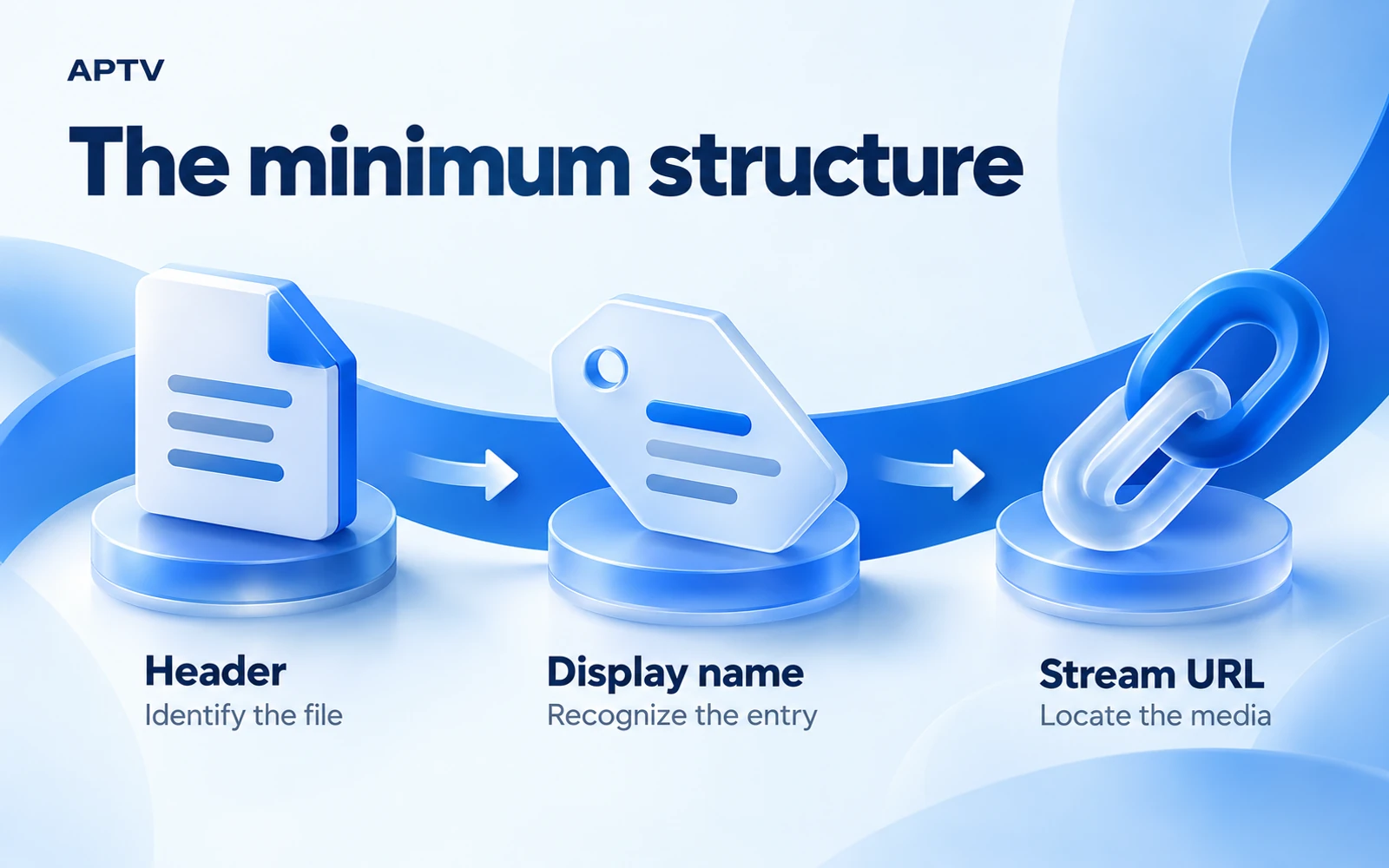
The first line identifies the extended M3U format. The second gives entry information, including a display name after the comma. The final line is the media address. Live365's basic playlist syntax uses this same general arrangement for a stream entry.
The -1 value is commonly used for an unknown or indefinite duration in this kind of directory example. It is not a claim that your source is always live, has unlimited playback rights, or supports rewinding. Use the conventions expected by the player and source you are working with.
Keep the stream URL on its own line. An editor may visually wrap a long address across the window without inserting a real newline; that is different from pressing Return inside the URL. Inspect the saved text if an address appears to have been split.
Use the downloadable reference fixture carefully
The bundled reference playlist file points to Apple's public Bip Bop HLS example. Apple lists it among its official test-stream examples. The fixture contains only a reference, not copied video or an APTV channel subscription.
Use it for a limited playback comparison, subject to the source's terms. It is not owned by APTV, and no hands-on APTV playback result is claimed here. The example includes multiple media variants; support depends on the player and device. Availability can change after this guide's source check.
If you have a stream you control, use that for ongoing maintenance tests. You will be able to distinguish your own server changes from changes to a public demonstration. Keep test material separate from a collection you intend to share with viewers.
Keep the learning example separate from your production collection. The reserved example address explains where a real URL belongs, while the downloadable reference points to an external demonstration. Neither should accidentally appear as a promised channel in a collection you give someone else. Replace or remove instructional entries before sharing a finished playlist.
Save the file correctly
Choose plain text and UTF-8 in the editor's save options. Name the file clearly, such as workshop-streams.m3u. Confirm that the editor has not appended .txt or saved a rich-text document. The filename should describe the file you actually created.
If your editor offers a UTF-8 option without a byte order mark, it is a sensible choice for interoperability. Do not treat this recommendation as proof that every player rejects every alternative. The stricter requirements for HLS manifests and the broader distinction between M3U and M3U8 are explained separately.
Close and reopen the saved file before importing it. This simple check catches a wrong save format, missing final lines, or a filename that differs from the one you intended. Compare an accented label if your collection includes names outside basic English characters.
Separate labels from access information
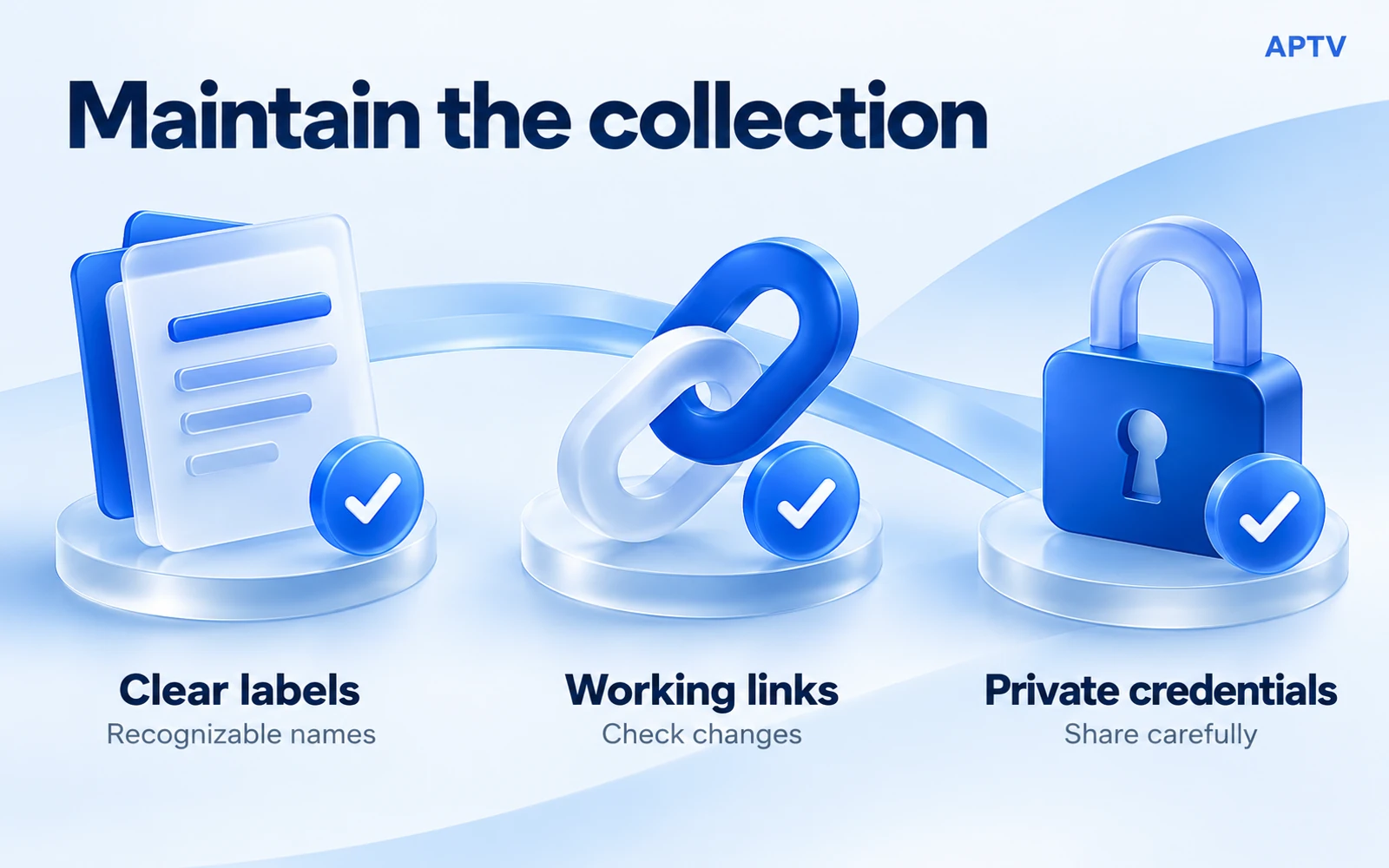
Use display names that identify the content, such as “Workshop Camera” or “Orientation Session.” Avoid names like “Test 1” once the first experiment is over. Clear labels help you identify the failing entry later without copying a private address into a support conversation.
Do not change a source URL to make it look prettier. Query fields, encoded characters, and path components may be significant. If you need a shorter address for distribution, discuss the supported approach with the source owner rather than inventing a redirect or removing parameters.
Test each entry through a small build cycle
First import the finished playlist and open its one entry. Confirm that the list appears and that the expected media starts. A successful import checks the document's use as a directory; successful playback also depends on the referenced source and supported media.
Then add one more entry beneath the first, using another information line followed by its URL. Save the file and import the updated copy through the documented route. Keep the old working file until you know the new copy behaves as expected.
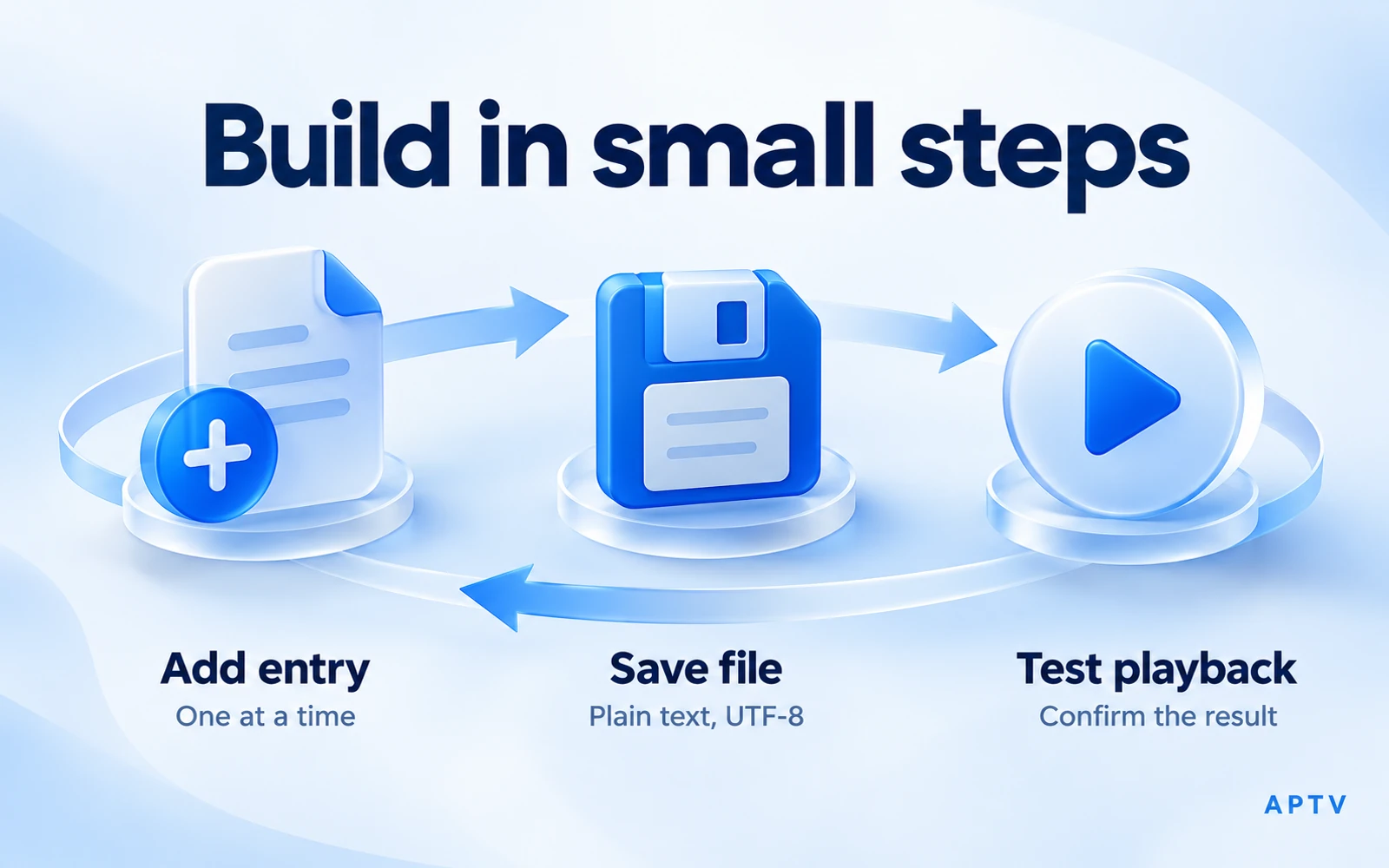
Repeat this cycle: add, save, test. It may feel slower than pasting a hundred addresses, but it gives each failure a small set of possible causes. If entry two fails while entry one still works, focus on the new entry before changing the working header.
| Stage | What to inspect | Keep as evidence |
|---|---|---|
| Add | Name and URL are on the intended lines | Original authorized address |
| Save | Plain text, UTF-8, correct filename | A known working previous copy |
| Test | Entry appears and media starts | Date, player version, and result |
Test the right behavior for the source
An audio stream should produce sound; it does not need a video picture. A scheduled live source may be unavailable outside its operating hours. An on-demand file may have a fixed ending. Compare the outcome with the source's purpose rather than applying one expectation to every entry.
If an entry imports but does not play, check the source address and its current access requirements. If the entire file is rejected, inspect the file format and the most recent edit. Keep these branches separate so a single unavailable video does not trigger unnecessary changes to the directory.
A local playlist does not imply offline playback. When its entries point to online resources, those resources still require a connection. Likewise, copying the directory to another phone does not transfer account permissions or guarantee that the second device supports the same media.
When replacing an entry, test the new address before removing the old record from your private maintenance notes. Record why it changed: a new location, an expired token, or a corrected label. That context helps you distinguish planned maintenance from an unexpected outage when someone later reports that an earlier copy no longer works.
Organize and maintain the file
Use a consistent naming scheme that makes sense to the people who will view the collection. Put stable context first: “Workshop — North Camera” is easier to scan alongside “Workshop — South Camera” than two unrelated labels. Avoid stuffing names with marketing claims or technical details viewers do not need.
You may see IPTV examples using attributes such as group-title. Treat them as optional conventions that require player-specific support. APTV's handling of those attributes has not been established for this guide, so the working sample uses simple names instead of promising automatic groups or categories.
Keep a dated private master copy and a record of changed addresses. The date belongs in your maintenance record; it does not have to clutter every viewer-facing label. If an old source expires, replace only that entry and retest the affected item before distributing the update.
Decide how updates will reach viewers
A local file is easy to inspect and keep privately, but distributing a replacement may require another import. A hosted playlist can provide a stable retrieval location, but it also requires appropriate hosting and access protection. Do not publish a credential-bearing file simply to make updates convenient.
The player's refresh behavior must be documented before you promise automatic updates. A URL import might be retrieved again, cached, or managed in another way depending on the application. Ask about the actual workflow rather than assuming every player watches a source continuously.
Protect the collection when sharing
Before sharing, review every media address for embedded usernames, passwords, tokens, and private hostnames. A playlist can be small enough to look harmless while still granting substantial access. Share only with authorized recipients through a suitable private channel.
If a credential has been disclosed accidentally, ask its issuer about replacement or revocation. Editing the visible filename does not remove the secret from copies already distributed. Keep troubleshooting examples sanitized and use public test references when private content is unnecessary.
Open your own supported playlist in APTV for Android and verify each new entry as you build. The app supplies playback functionality; you supply the authorized streams. Buying a feature cannot repair an expired address or create missing content.
Frequently asked questions
What do I need to create my own M3U playlist?
Use a plain-text editor, stream addresses you are authorized to use, and a player that supports the resulting input. Start with one working entry and save the file using the intended encoding and extension. Add more entries only after the first imports and plays.
What is the basic structure of an extended M3U playlist?
The small directory in this guide begins with #EXTM3U. Each entry pairs an #EXTINF line containing its display information with the media address on the following line. Keep those pairs together, preserve complete addresses, and test the saved file rather than relying on an editor preview.
Can I use a normal webpage address as a stream URL?
A webpage is not automatically a playable media resource. Use a media address or playlist export supplied for playback by the source owner. If an address opens a sign-in form or ordinary webpage, ask for the supported stream input instead of guessing a hidden endpoint.
Will channel groups and other optional tags work in every player?
No. Support for optional metadata depends on the receiving application and version. Establish a working basic entry first, then test each added field in the player you intend to use. Do not promise grouping or guide behavior solely because a tag is present in the text.
Is it safe to share the playlist file I created?
Inspect it first. Stream addresses can contain usernames, passwords, or access tokens, and permission to view a source does not automatically include permission to share access. Use a sanitized example for troubleshooting and distribute only media references you are allowed to share.