Best IPTV Player for Android Phones: APTV, Televizo, or VLC?
The best IPTV player for an Android phone depends on the task you need to complete. Consider APTV for its documented own-playlist workflow, Televizo for its Android IPTV focus, and VLC for documented network playback and broader personal-media use. Choose by required inputs, daily navigation, and purchase terms rather than a universal winner.
This comparison is prepared for publication by the APTV team. It is based on official documentation reviewed on October 21, 2026, not hands-on testing. There are no measured loading times, usability scores, or claims that one app produces better playback on every phone.
Who this comparison is for
The focus is Android phones used with touch controls and a playlist or stream you are authorized to access. Android TV, Fire TV, and Android Auto involve different interfaces and compatibility questions. A television recommendation should not be transferred to a phone simply because both devices use Android software.
Start by writing your main task in one sentence. “Open one training stream” is different from “browse a large collection every evening” or “play my downloaded videos alongside network media.” That task determines which features deserve attention and which would be irrelevant extras.
You also need to know what your source supplies. A single media URL, an M3U directory, and separate server credentials require different input support. Verify the actual method instead of assuming that every application carrying “IPTV” in its description accepts every access format.
Comparison method and evidence limits
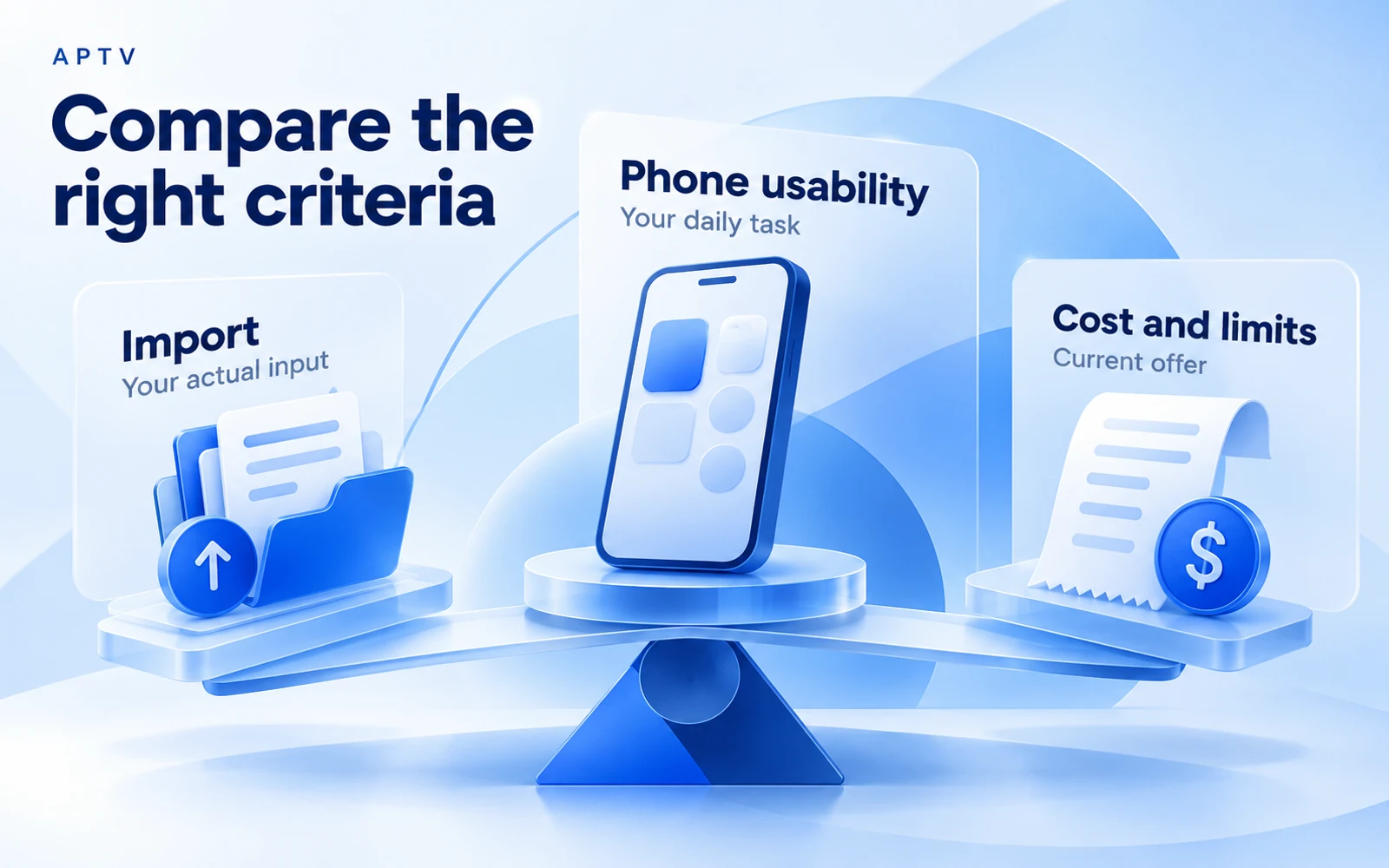
The comparison uses the correct APTV Android listing, Televizo's official site, and VideoLAN's Android page. Publisher statements describe intended capabilities. They do not establish the results of a controlled test on your phone, and broad format claims should not be read as universal compatibility guarantees.
An “unconfirmed” entry means the reviewed source did not establish that specific detail. It does not mean the feature is absent. This distinction matters especially for file import, grouping, and paid restrictions, where an app may support a function without explaining it clearly on its public page.
For identity, APTV on Google Play is the BRILIC MEDIA application with package iptv.smart.xciptv.xtream.m3u.player.live.tv.channels. The package's wording is an identifier, not evidence of a native Xtream login form or a particular television interface.
Compare like with like
Use the same authorized source, phone, network, and output route when you conduct your own trial. If one app uses a local file and another retrieves an updated URL, the content itself may differ. Keep a copy of the test input and record the app versions.
Stop playback in one app before opening another when your source limits simultaneous sessions. A connection limit can make the second application look worse for reasons unrelated to its playback quality. Do not use a trial comparison to exceed your source's permitted access.
If accessibility is part of your decision, include it in the task description from the outset. Check your normal text size, screen-reader workflow, and ability to distinguish playback controls in the actual application. This comparison does not assign accessibility certifications or infer support from screenshots. A feature that you cannot comfortably operate may not satisfy your practical requirement.
Feature and workflow comparison
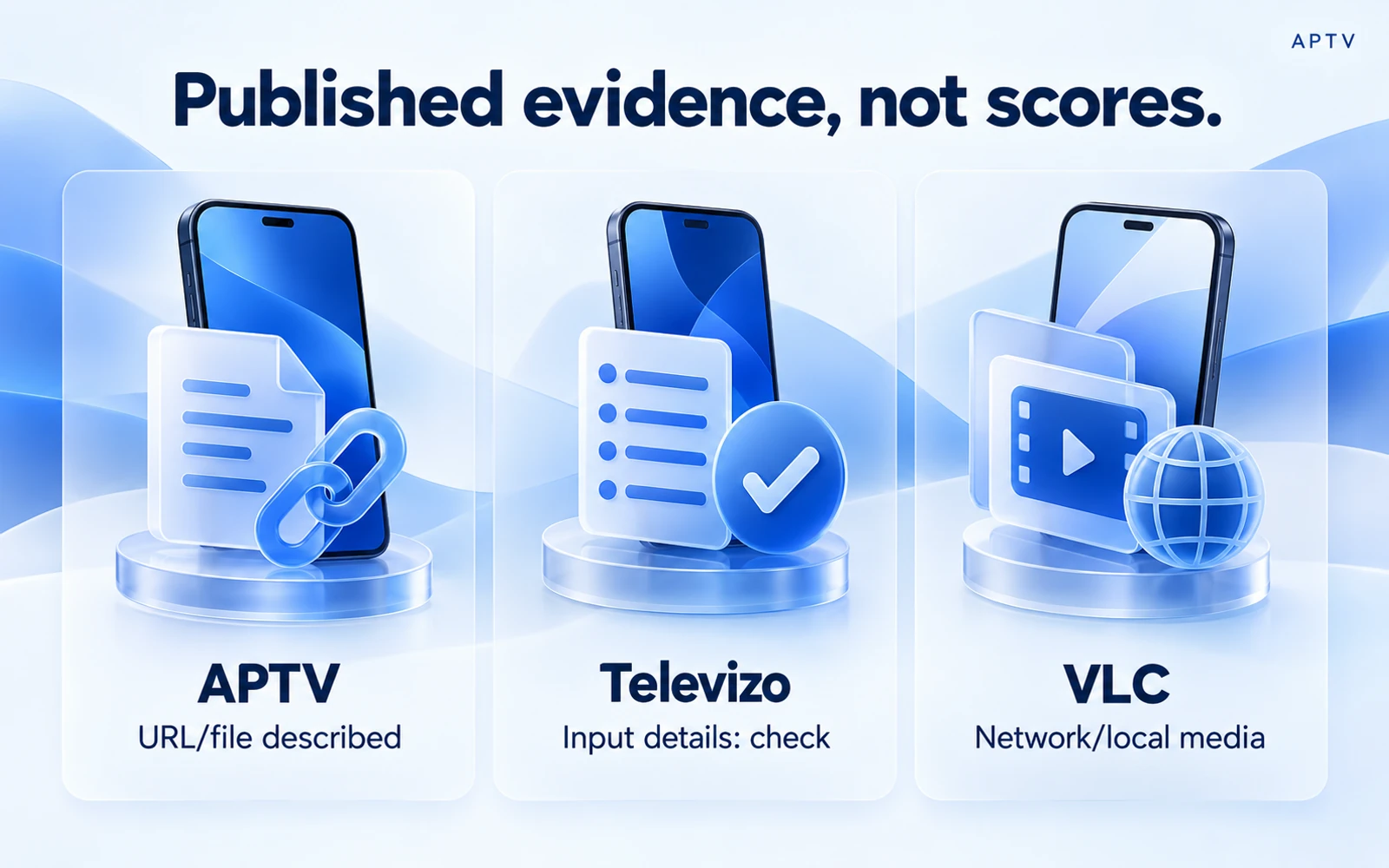
APTV's URL and device-file import routes are documented on the APTV website. Televizo's public site establishes an own-playlist Android player but does not fully specify each import route in the reviewed text. VideoLAN documents local media and network playback; that does not by itself promise an IPTV-style channel catalog.
| Criterion | APTV | Televizo | VLC |
|---|---|---|---|
| Playlist URL and file workflow | Both described on APTV's site; exact build controls need checking | Own playlists documented; precise URL/file controls unconfirmed here | Network and local media documented; directory workflow needs checking |
| Touch navigation | Phone interface described; usability not measured | Android phone use documented; usability not measured | Gestures documented; usability not measured |
| Organization | Playlist organization described; tag-level behavior unconfirmed | Playlist use documented; grouping details unconfirmed here | Media library, search, and history documented |
| Playback scope | User-supplied playlists and media | User-supplied playlists | Local media and network streams, including HLS |
| Pricing evidence | In-app purchases; exact Android terms unconfirmed | Free app and optional Premium documented | Free, open-source player |
| Main limitation of this comparison | No current device tests or entitlement matrix | No current device tests or complete input matrix | No current device tests of IPTV-directory behavior |
Read “documented” as a source-backed description, not a pass mark. The useful outcome is a shortlist of applications whose stated functions match your task, followed by a focused check of the gaps that matter to you.
APTV: a candidate for your existing playlist
APTV is worth considering when you want to bring an M3U URL or local playlist file into a dedicated player workflow. Its published organization claims are relevant to browsing a collection, but the practical handling of your particular tags and categories still needs verification.
Confirm the Android offer before paying for a required feature. Do not apply iPhone purchase details to this platform. If your collection uses an optional attribute or a special login method, ask about that exact requirement instead of relying on the package name or a broad feature description.
Televizo: a candidate for Android IPTV use
Televizo's official product and Premium information identifies it as an IPTV player for Android phones, tablets, and TVs and states that users supply their own playlists. Its linked Premium page describes an optional paid version. That establishes a product model, not a comparative performance result.
Consider Televizo when you want an application specifically presented around IPTV viewing on Android. Before committing, check how its current version accepts your input and organizes your collection. The reviewed homepage does not settle every URL, file-picker, or grouping question, so those remain practical trial items.
The Premium documentation describes features including ad removal, backup and restore, and parental control. Check the current offer and supported behavior if those functions matter. This comparison does not assign a price advantage without a verified local price and a matching list of required features.
VLC: a candidate for mixed media and a control player
VLC for Android documents local and network media, a searchable library, gestures, and multiple audio-track support. It is a strong candidate when the phone also handles downloaded videos, music, or individual network streams, rather than only a channel directory.
VLC can also be useful as a comparison player when investigating one authorized stream. A different result helps identify a playback-path difference; it does not automatically prove a defect in the first app. Keep the input and conditions matched before drawing conclusions.
Do not assume that broad media support gives VLC the same channel organization, account integration, or browsing experience as a dedicated IPTV application. Verify the directory workflow you need. If opening a single stream is the entire task, however, a complex channel interface may add little value.
Keep installation requirements in the decision too. Obtain each application through its official distribution guidance and check compatibility on the intended phone. A familiar app name in a third-party download directory is insufficient identity evidence. You should be able to connect the installed product to its publisher before entering a private playlist or considering a purchase.
Evaluate phone usability with your real task
After confirming input support, check whether you can find the intended entry, start it, return to the collection, and identify your place again. Use your normal text-size and orientation settings. A marketing screenshot cannot tell you how comfortable those actions will be on your screen.
Try searching for a label you recognize, if search is available. If your playlist has long names, inspect whether enough of each name remains visible to distinguish similar entries. This is a useful personal evaluation, not a request to manufacture numerical rankings from a few impressions.
If organization is essential, include a small representative collection with the tags you actually use. Check the result before importing everything. A player may recognize the basic entries while ignoring optional metadata, and that distinction can determine whether the workflow fits your needs.
Compare the cost of the required workflow
List the features you must have, then check which are included in the current offer on your device. Separate installation, optional app purchases, and media access. The guide to player purchases and content access explains why those expenses should not be combined into one vague “IPTV price.”
Do not reward an app for unrelated extras or penalize an unknown feature as though it were absent. Ask for clarification on a decisive requirement. A documented limitation that does not affect your task may matter less than an undocumented feature on which the whole setup depends.
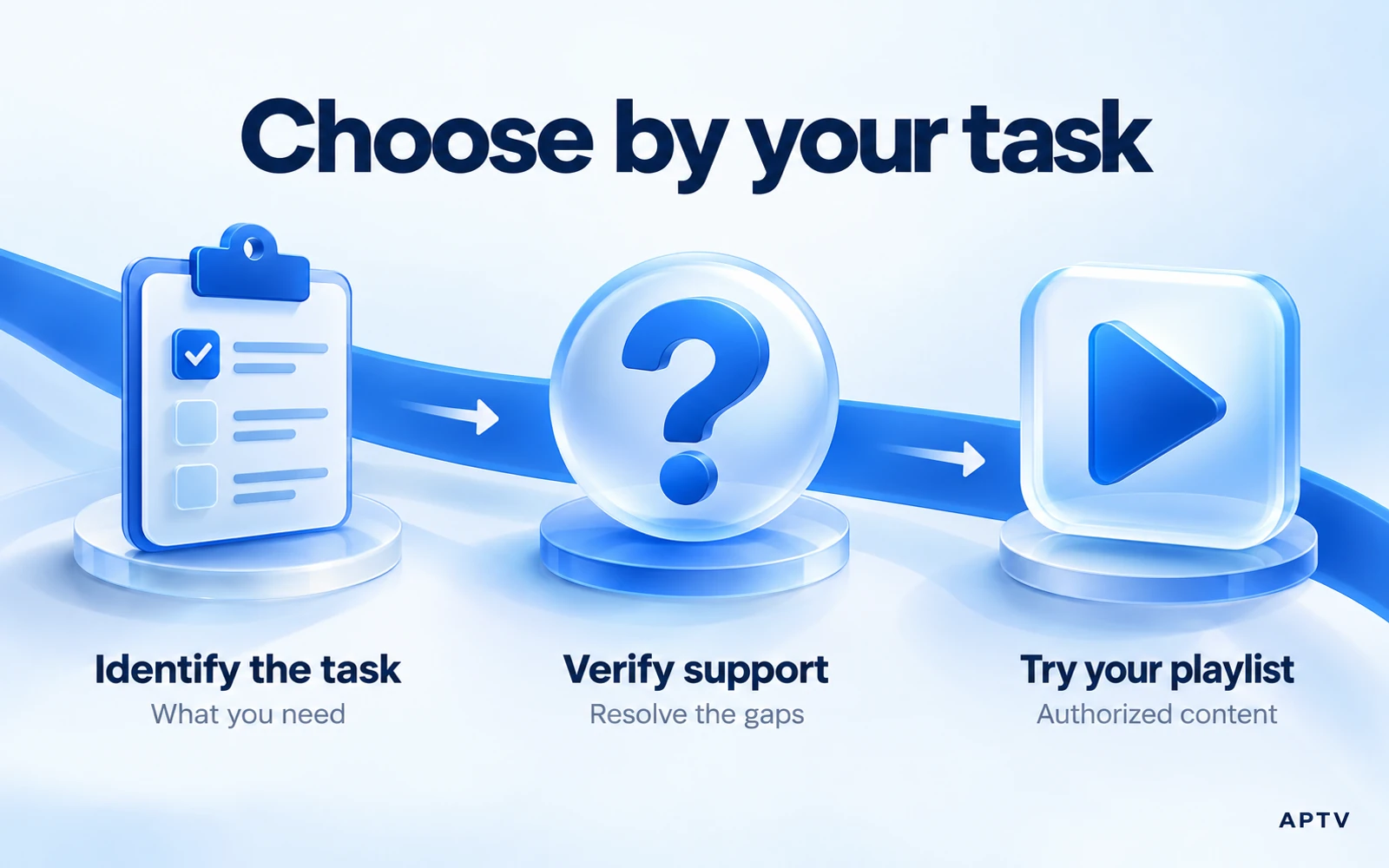
Choose for your needs
Choose VLC as your first candidate when mixed local media and individual network streams are central. Consider Televizo when its Android IPTV focus and documented optional features match your priorities. Consider APTV when its own-playlist import workflow fits the source you already have.
If more than one candidate fits, conduct a short personal trial with the same small authorized collection. Note the tasks that succeeded, any blocked requirements, and the purchase terms. You do not need a universal ranking to make a sound decision for one phone and one source.
Keep the results specific. “This version handled my file and made these entries easy to find” is an honest observation. “This app never buffers” would require evidence far beyond a brief trial and ignores source and network conditions outside the application's control.
When you have chosen a suitable player, set up your playlist and verify local playback before adding receiver features. APTV requires your own authorized playlist; neither a download nor a paid upgrade guarantees access to missing or unavailable streams.
Frequently asked questions
Which is best for an Android phone: APTV, Televizo, or VLC?
The best fit depends on your input format, device, and intended workflow. This guide compares documented capabilities rather than declaring a hands-on performance winner. Match the app to your own playlist and test the tasks you need before choosing based on a feature list.
Can VLC help me check whether a stream itself works?
Where the input is supported, VLC can provide a separate playback comparison for a network stream or media file. Keep the device, connection, and source consistent. A successful comparison is useful evidence, but it does not guarantee identical behavior in every IPTV player or receiver.
Does an IPTV player comparison tell me which channels I will get?
No. Player features and content access are separate. APTV expects you to supply your own supported playlist, and a comparison of software does not establish rights or availability for a channel collection. Check your source separately from the app you choose to open it.
Can I assume an Android phone app will work the same way on Android TV?
No. Confirm support for the exact device and the way you intend to control it. A phone workflow does not establish a suitable TV interface, remote navigation, or identical feature availability. Use current platform information and a device-specific test when TV playback matters.
What should I test before paying for an IPTV player?
Check your exact input format, one known-working stream, and any essential playback or receiver task. Then read the current paid offer for the platform you use. Do not infer pricing, trial access, or cross-platform purchases from another app's terms or an older comparison.